
This section provides quick, easy-to-manage access rules. Easily toggle the option available for whether you want content protection turned on or off.
Note: By default, when the ARMember plugin is just installed, at that time all existing posts, pages, and & other content will be open for all.
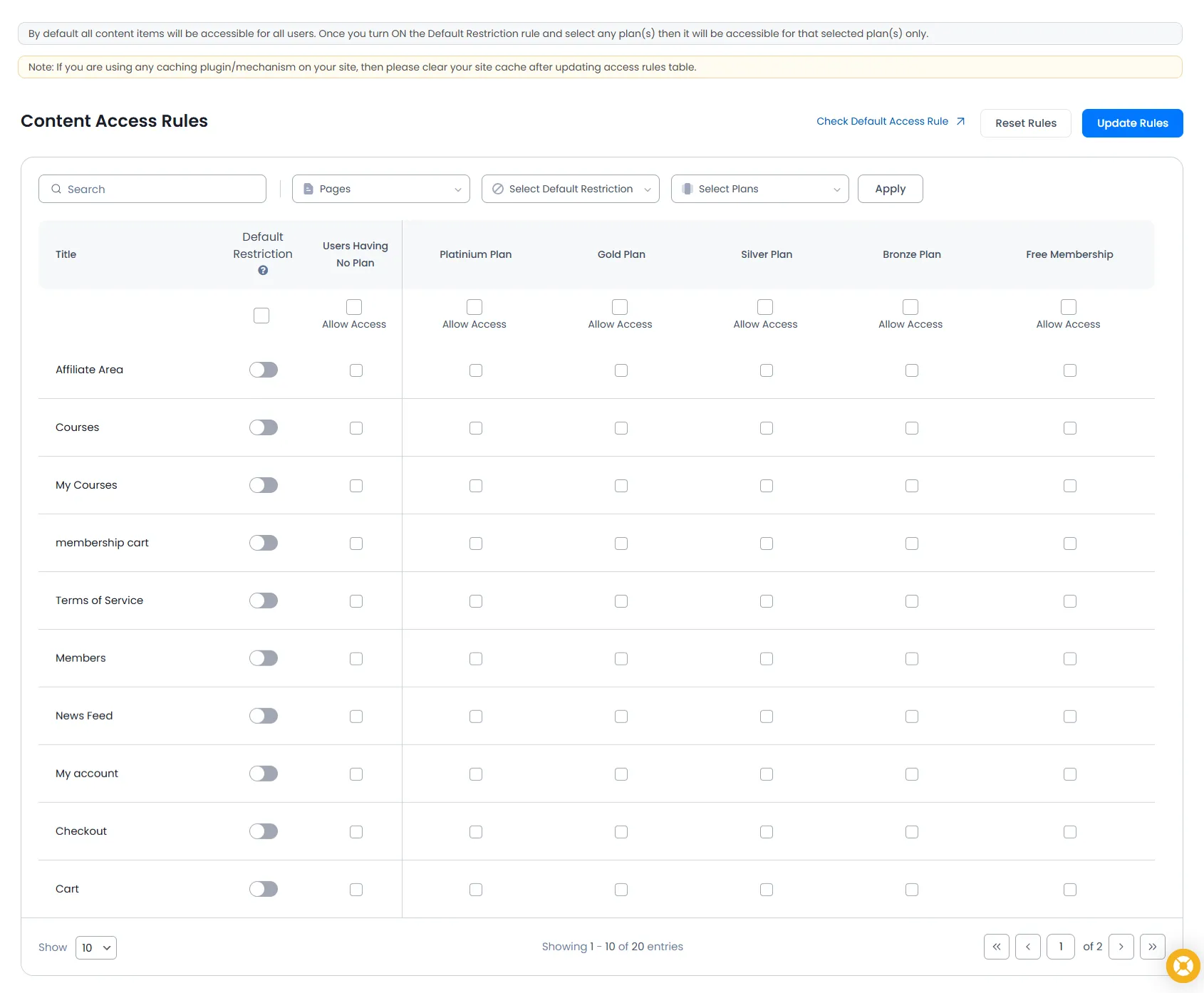
“Access Rule” is the main core feature of the ARMember plugin. Very easy interface to manage content protection on-site in accordance with the related plans. Content Protection Access Rule can be defined for:
- WordPress Pages
- WordPress Posts
- Any Custom Post Type
- Post Taxonomy (ex: category…)
- Navigation menu links (NAV Menu Lock)
- BuddyPress pages (If your site Configures the BuddyPress plugin)
- Buddyboss pages (If your site Configures the BuddyBoss plugin)
- Special pages like Archives, which can be by month, year, or author.
New page/post/custom post of the system will be created with default access rules set in the global settings of ARMember.
Note: The BuddyPress/BuddyBoss option will only be available if you activate BuddyPress/BuddyBoss Integration from Add-ons.