How to manage the default pages of ARMember using the ARMember Pro plugin (Latest 2026)
Pages created on Installation
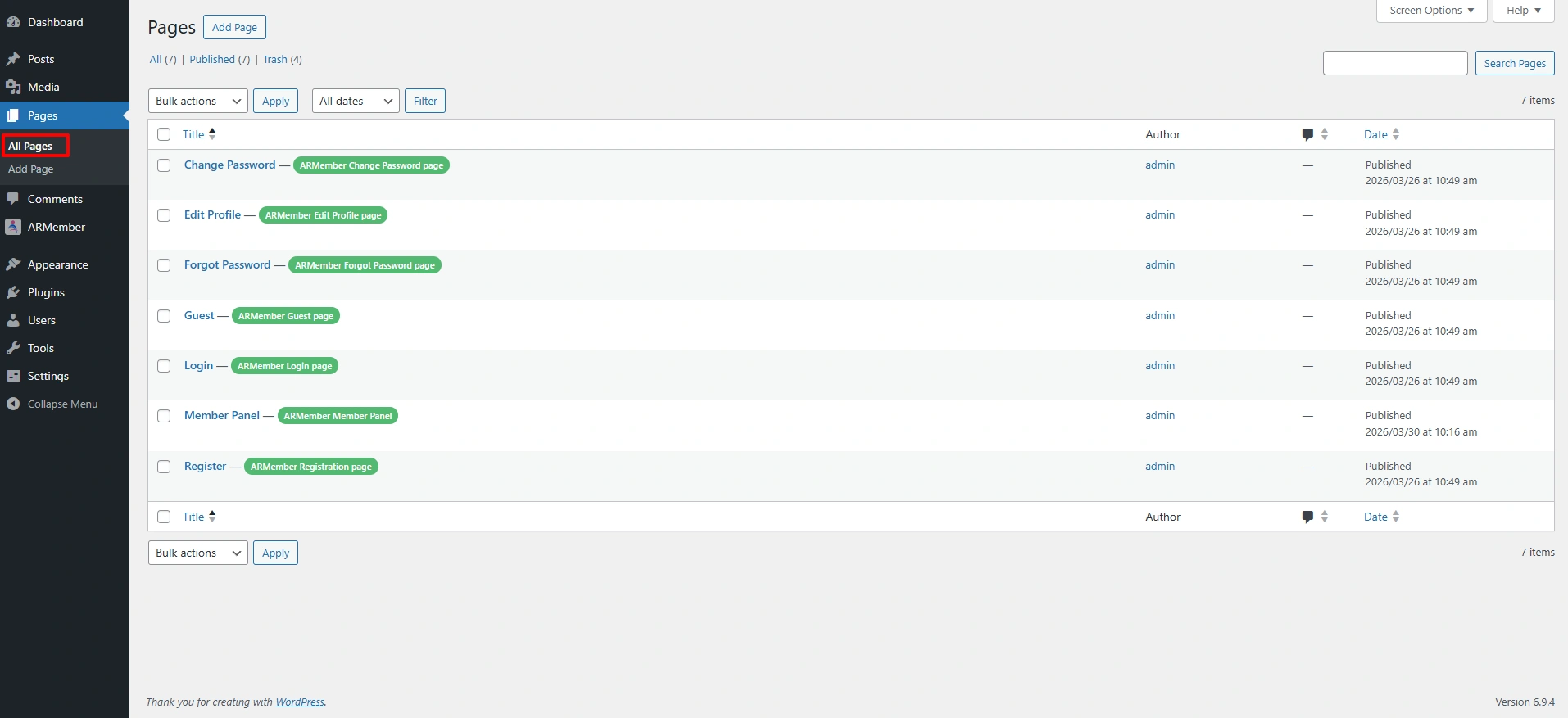
ARMember does create a few pages directly on the installation with the default form IDs; these pages are indicated at the Admin Panel ⇾ Pages with text in a green wrapper. But if you want to create new pages according to requirements, then you can create them and assign/map related pages so that it works more smoothly.
Below is the list of the pages that are created by default:
- Registration Page
- Login Page
- Forgot Password Page
- Change Password Page
- Edit Profile Page
- Member Panel Page
- Member’s Profile Page: Available only if
Social Feature Addonis enabled. - Paid Post Page: Available only if
Pay Per Post Addonis enabled. For more information, click here. - Community Group Page: Available only if
Social Community Addonis enabled. For more information, you can click here. - Child User Signup Page: Available only if
Group/Umbrella Membership Addonis enabled.
Mapping the Pages
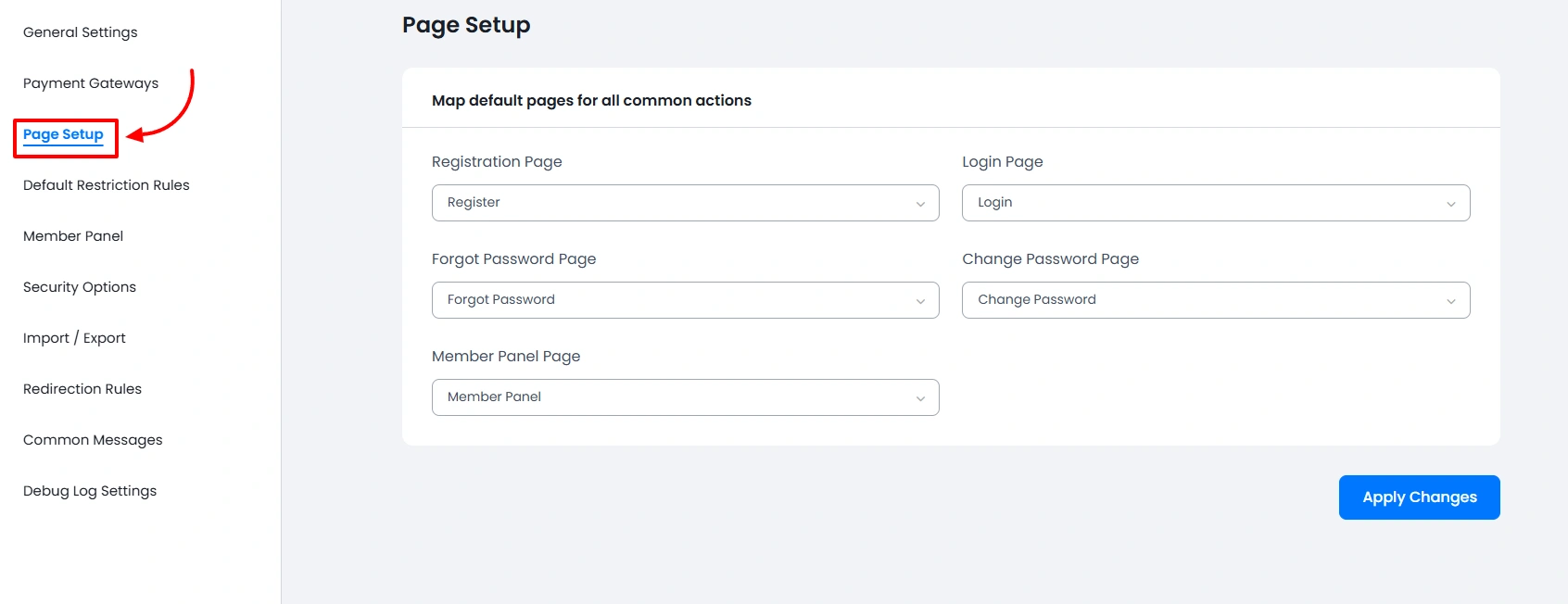
Mapping the pages is so easy, and there is no rocket science to achieve this. The page you map must have the shortcode of that particular form, and then it will scan to see whether the page is correctly selected; if not, it will display an error.
Navigate to the ARMember ⇾ General Settings page at Page Setup tab to map the pages.