
How to Configure Gutenberg Block Restriction, an Inbuilt Add-on with the ARMember Pro plugin
Block Restriction with Gutenberg will only be available if you activate Gutenberg Block Restriction from Add-ons.
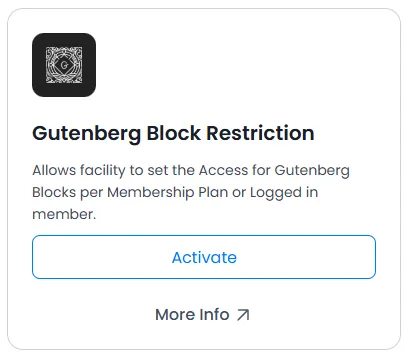
After activated Addon you can restrict Gutenberg blocks as shown/hidden for membership plans/non-logged-in users/logged-in users.
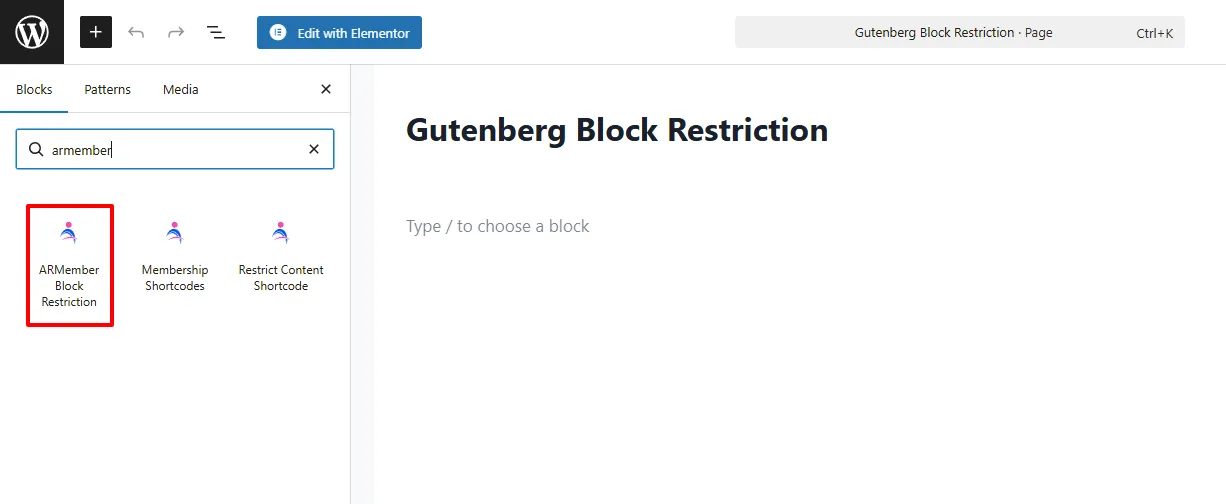
Click on ARMember Block Restriction. You can add any block inside it and restrict it to that block for non-logged-in, logged-in, and membership plans as per your requirements. Also you can configure as which membership plan can access block or not
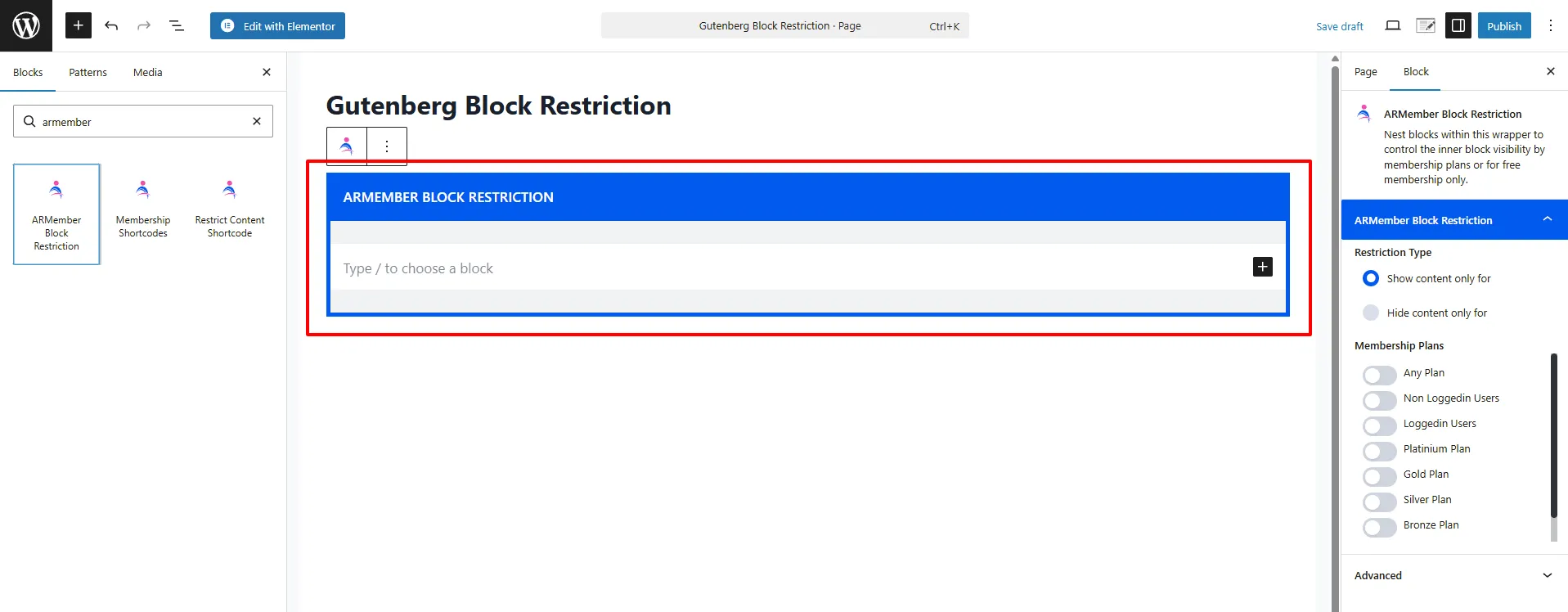
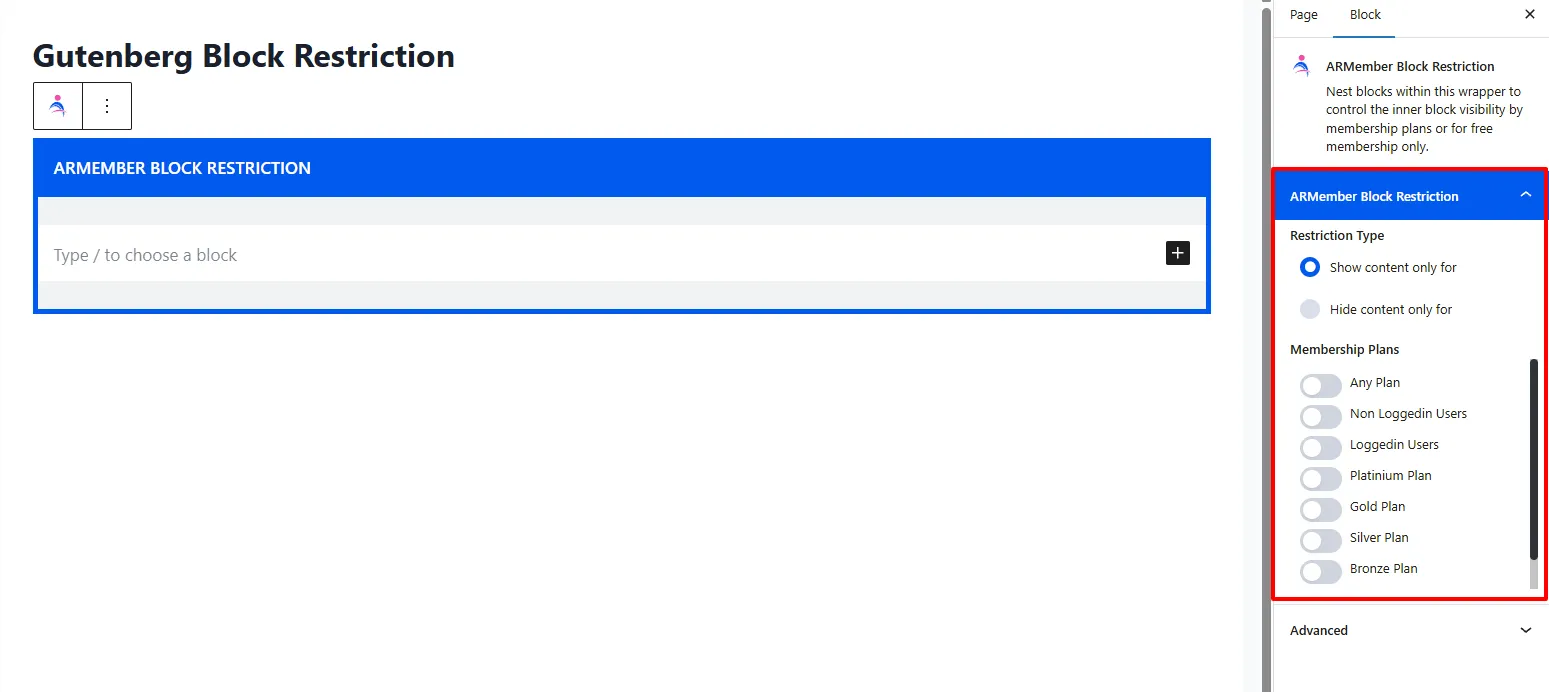
After configuring the Gutenberg block restriction on the page/post, you can get to know which member has access/is restricted on the front side.
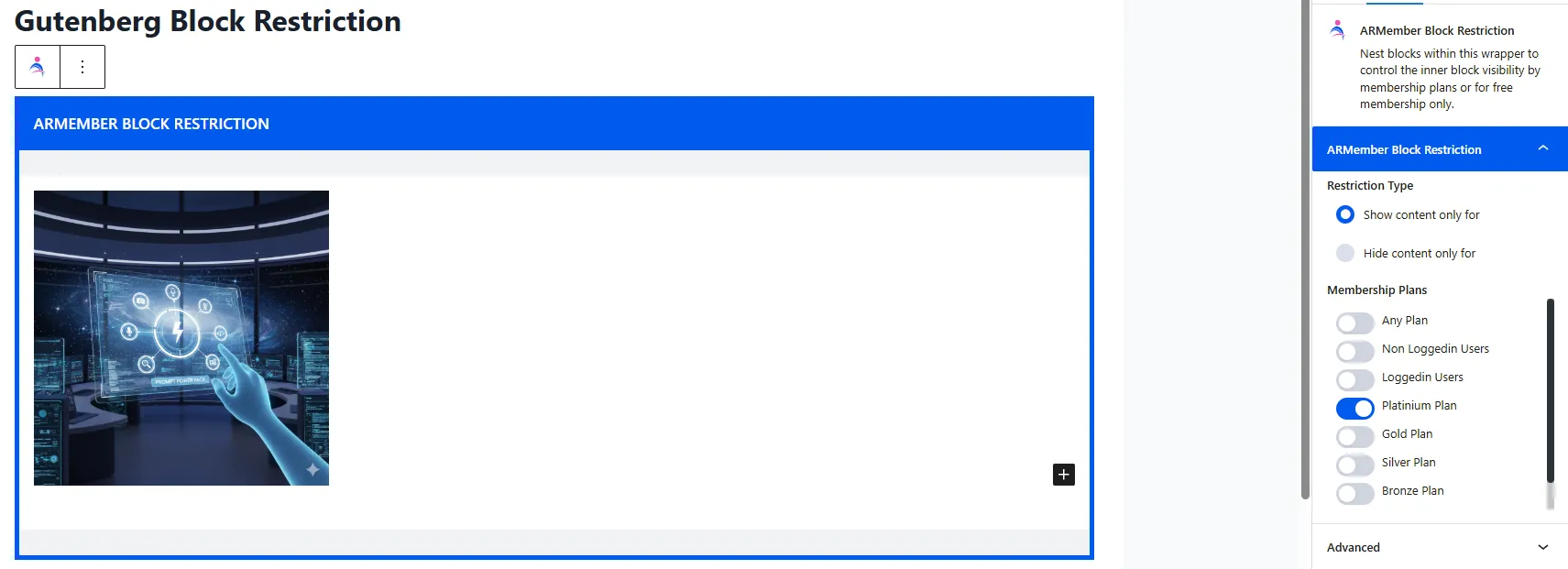
For example: I need to restrict first block image for logged-in members, and I have allowed block content visible for logged-in members only
Admin side panel configuration screenshot:
Result on the front side:
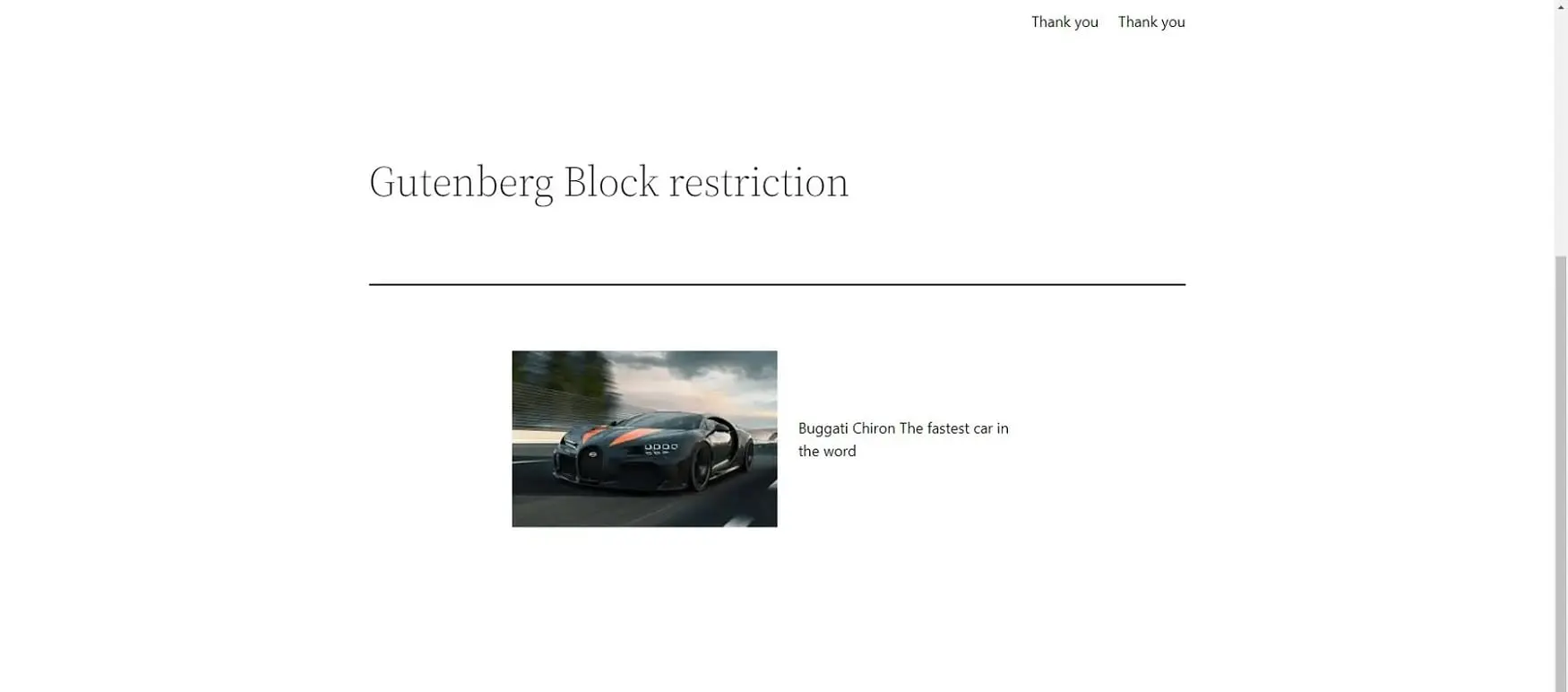
In above example the first block was restricted for non-logged in members, so member will not able to read the first block’s content, and the content outside of block restriction will be visible to all users