


When building a membership website, most people spend weeks comparing membership plugins. But they only spend a few minutes choosing a theme.
That can be an expensive mistake.
Your WordPress theme influences everything from site speed and search visibility to content organization and member engagement. Even the best membership plugin can feel clunky…..if paired with the wrong theme.
The good news is that today’s best membership WordPress themes combine speed, flexibility and smooth membership plugin compatibility.
Whether you’re selling online courses, premium content, coaching programs or access to a private community, your WordPress membership theme is the foundation of your complete membership site.
We’ve spent years testing WordPress themes, so you don’t have to guess what works for your membership site.
In this guide, we’ll compare 9 of the best WordPress membership themes and help you find the right fit for your online course platform, subscription service, coaching business or private community.
TL;DR: Astra is the best membership WordPress theme for most websites because it combines fast performance, extensive customization, WooCommerce compatibility and seamless integration with membership plugins such as ARMember.
Quick Look: Best Membership WordPress Themes At A Glance
Don’t have time to read? No Worries! Take a look at our top picks so you can quickly choose the best WordPress themes for membership sites.
| Membership WordPress Theme | Best For | Free Version | Starting Price |
| Astra | Overall Best Membership Theme. | ✅ Yes | $149/year |
| Kadence | Content Restriction & Membership Features. | ✅ Yes | $99/year |
| GeneratePress | Speed & SEO. | ✅ Yes | $59/year |
| Blocksy | Modern Membership Websites. | ✅ Yes | $69/year |
| Neve | Lightweight Performance. | ✅ Yes | $139/year |
| OceanWP | Flexible Membership Sites. | ✅ Yes | $35/year |
| Divi | Design Freedom and Visual Building. | ❌ No | $89/year |
| Bricks | Developers and Advanced Customization. | ❌ No | $79/year |
| Avada | Feature Rich Subscription Businesses. | ❌ No | $69 one time |
Every membership site has their own set of demands. Thus let’s take a deeper dive at some of the best membership themes for WordPress sites.
1. Astra: The Membership Site Powerhouse
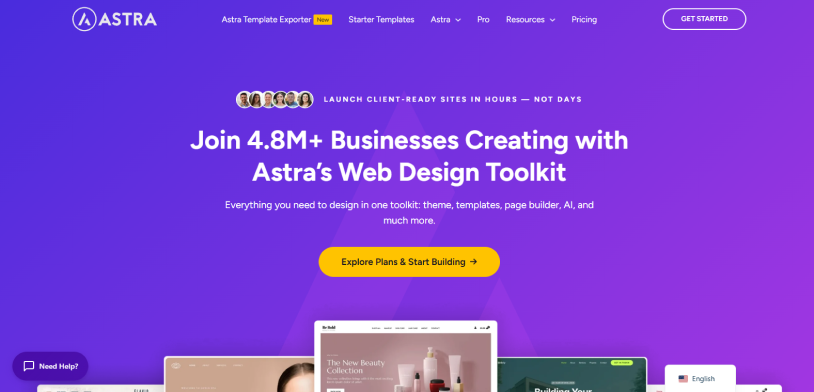
Astra is one of the widely popular WordPress themes for membership sites. It is well-known among membership business owners for being lightweight, lighting fast and highly customizable.
Best of all, it works perfectly with top page builders (like Elementor) and integrates easily with multiple membership plugins to protect your content and manage endless subscriptions.
Why Astra Deserves a Spot on This List:
- Fast Performance: Clean code = Fast Page Loading.
- WooCommerce Ready: Smoothly sell subscriptions, courses or digital products.
- Mobile Friendly: Fully responsive on every single smartphone and tablet we tested.
- Starter Templates: Over 145+ premium starter templates to kickstart your membership.
- No Coding Needed: Simple drag and drop makes customization easy.
- White Label: Rebrand Astra as your own by swapping logos and brand details.
Cost:
- Free version available
- The premium plan starts from $149/Year.
2. Kadence: Performance Perfected
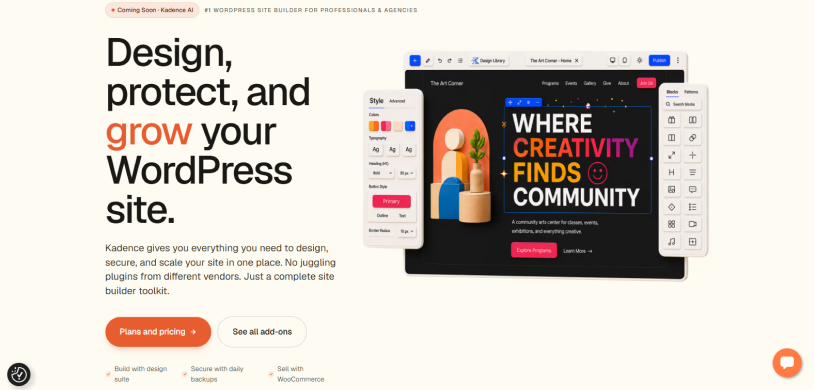
Kadence is another popular name when it comes to being The Best WordPress Themes for subscription services. However, the reason we picked it is because of its seamless integrations with top membership plugins.
Further, it includes powerful dynamic content controls that hide and show specific website areas based on user subscription levels. The themes “performance perfected” approach ensures fast page loads, which are important for members retention.
What We Like About Kadence
- Fast Performance: The theme skips heavy scripts and loads minimal code
- Conditional Display: This premium feature lets you show and hide elements, menus and complete page sections (Depends on whether user is logged in or owns a specific membership tier)
- Kadence Blocks: Build highly customized member dashboards and custom login pages right within the native WordPress editor
- Clean Starter Templates: 200+ professional designed sites you can import and rebrand
- Shop Kit for WooCommerce: 17+ store tools built to get your customers from cart to checkout, and coming back for more.
Cost:
- Free version available
- The premium plan starts from $99/year.
3. GeneratePress: The Speed Specialist

GeneratePress is an excellent choice for a membership WordPress theme as its lightweight and clean coded to prevent lags and bloats that mostly burdens membership sites.
Best of all, it works with all popular membership plugins including ARMember, WooCommerce Memberships, Restrict Content Pro and many more. Because GeneratePress focuses purely on theme design, it does not restrict how you override or interrupt your membership site – just exactly what you need from a membership WordPress theme.
Why We Recommend GeneratePress
- Starter Sites: Over 80+ starter sites for eCommerce, premium blogs and membership business
- Deep Customization: 100’s of customization options and 300+ pre-built design patterns
- Lighting Fast: The core theme is tiny – under 10KB, to keep page load super fast
- Full Compatibility: Works smoothly with almost all membership plugins
- Advanced Layout System: Change the theme’s layout as you see fit for your membership site
- Modular Features: Only activate the design and layout features you actually use
Cost:
- Free version available
- The premium plan starts from $59/year.
4. Blocksy: The Modern Membership Marvel
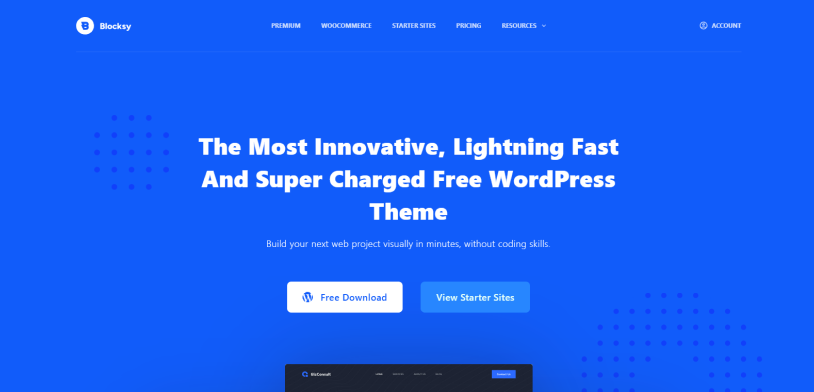
Looking for a modern WordPress theme for membership websites? Meet Blocksy!
It is one of the best, most modern Membership WordPress themes around here. It pairs a blazing fast and lightweight foundation with a highly visual header builder, conditional content blocks, and seamless integrations with top membership and eCommerce plugins.
Why Blocksy Is a Top Choice
- Dynamic Content Blocks: Create custom headers, footers or post layouts and rules for paid members-only.
- Flawless Menu Builder: Drag and drop different login/logout status and user account links into navigation.
- Member Account Modals: Customize the registration and login tabs elegantly, matching your exact branding.
- Deep Plugin Compatibility: Works perfectly with popular membership plugins like ARMember as well as eCommerce platforms like WooCommerce.
Cost:
- Free version available
- The premium plan starts from $69/year
5. Neve: Lightweight Innovation Redefined
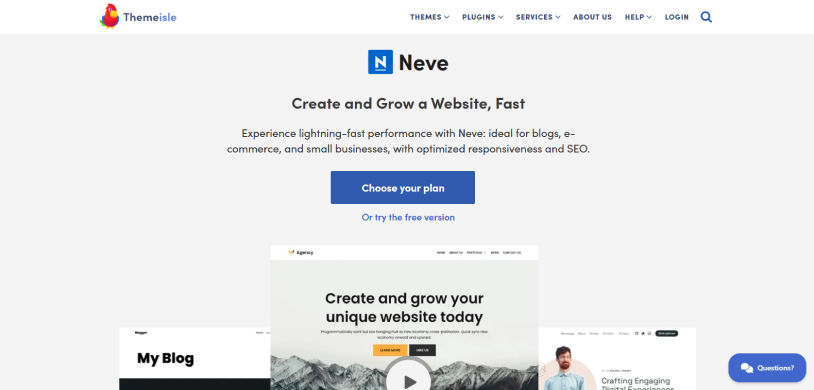
Neve by Themeisle is the best lightweight membership WordPress theme in this list. If you want lightning fast load times and seamless compatibility with all big membership plugins as well as page builders, this membership theme is worth the shot.
Apart from that, Neve is designed for top performance, SEO and Core Web Vitals. When we used it, the theme loaded within a blink of an eye. And with features such as responsive design, multilingual translations and easy customization options, Neve empowers you to create a high ranking online presence.
What Makes Neve Ideal for Membership Websites
- Featherweight Size: The theme is less than 28KB to avoid heavy server loads.
- No jQuery: Uses vanilla JavaScript to keep the user interface snappy and bug free.
- Ready to Import Starter Sites: Over 110+ ready to use website templates
- Page Builder Friendly: Works effortlessly with top builders like Elementor or the native Block Editor.
- WooCommerce Integration: Optimized to support e-commerce membership systems
Cost:
- Free version available
- The premium plan starts from $139/Year.
6. OceanWP: Flexibility Without Limits
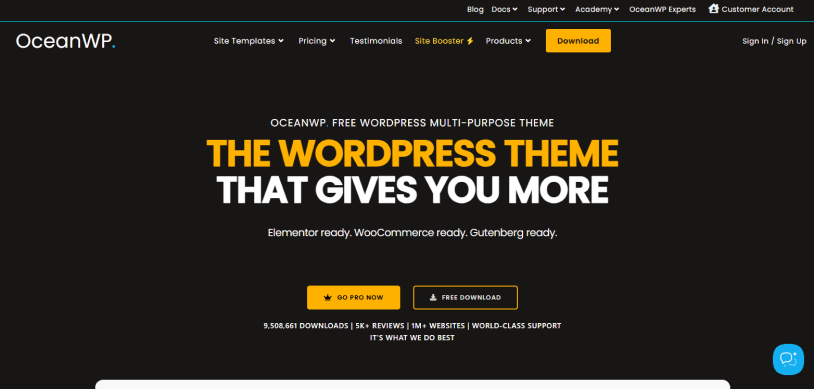
Looking for a multipurpose membership WordPress theme that works for all membership-based business, whether it be online course, exclusive news site or OTT platforms? Introducing OceanWP – one of the best multipurpose WordPress themes for membership sites.
What sets it apart from rest is its deep customization options and smooth integration with popular plugins as well as extensive set of built in tools that allow you to build custom community, course or subscription sites.
Why we recommend OceanWP:
- Deep Plugin Compatibility: Works perfectly with top membership plugins like Wishlist Member, ARMember, and more.
- Page Builder Friendly: Native integrates with Elementor and Gutenberg
- Conditional Page Settings: Hide headers, footers or sidebars on specific login or checkout pages
- Custom Post Type: Easily design layouts for custom content types such as hidden video archives or premium article directories.
- Popup Login Modal: Make slick login and registration forms right on the frontend
- Unique Headers & Menus: Show different navigation menus when a user is logged in or out
- Templates: Over 201+ professional full site templates
Cost:
- Free version available
- The premium plan starts from $35year.
7. Divi: Design Freedom Unleashed
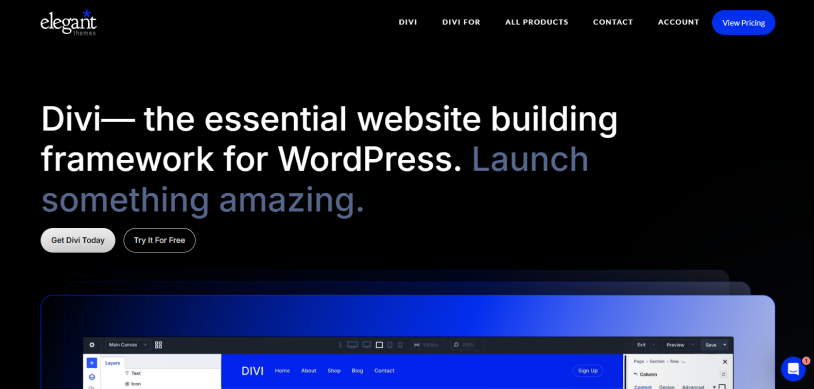
Divi is one of the best membership WordPress themes for all subscription-based businesses. Its powerful no-code visual builder and flexible theme builder gives you the ultimate freedom to design your membership site as uniquely as possible.
Although it does not include a membership system itself, it perfectly pairs with popular best membership plugins. This allows you to design custom member only pages, restrict specific content and manage user login experiences with zero coding.
Why Divi Excels for Membership Sites:
- No Code Customization: Design every part of your site in real time
- Content Protection: Integrates smoothly with plugins like ARMember and other membership plugins for content protection
- Restricted Access: You can hide or show specific Divi rows and sections based on a user’s subscription level
- Pre-made Layouts: Get over 2000 ready to go layouts including course and pricing templates
- Design Options: Build anything with Divi’s modern interface and 1000’s of design options
Cost:
- No free version available
- The premium plan starts from $89/yearly.
8. Bricks: The Developer’s Performance Dream
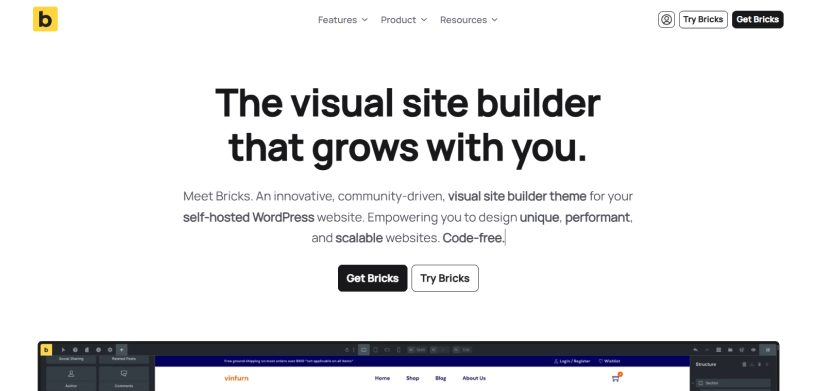
The Bricks WordPress theme makes a reliable foundation for building a membership website. Because it operates as both a theme and a visual builder, Bricks provides clean, lightweight code and unparalleled flexibility when paired with native membership and custom field plugins.
This membership WordPress theme lets you build custom registration and login forms, member directories, paywalled content and user dashboard. However, worth noting, if you’re using WordPress membership plugins like ARMember, you don’t need a theme to make it all. ARMember comes with a drag and drop builder for creating member’s login, signup and profile forms. Plus, it already comes with a member panel so no need to create any dashboard from starch either.
What Makes Bricks Stand Out:
- Deep Dynamic Data: Integrates flawlessly with custom field plugins like Advanced Custom Fields or Meta Box
- Element Visibility: Set native conditions on any section to restrict visibility based on roles or login status
- Clean Coded: Avoids code bloat and gives you semantic HTML
- Nestable Elements: East to create complex navigations and user profile areas
- WooCommerce Builder: Design your WooCommerce store visually to sell memberships
Cost:
- No free version available
- The premium plan starts from $79/Year.
9. Avada: The Feature-Rich Titan

Avada has been the top selling WordPress theme on the WordPress market for 11+ years, and for good reasons. If you’re a membership site owner looking for a complete responsive, and feature-rich WordPress theme, this one is worth considering.
Avada acts as a robust visual foundation that pairs perfectly with dedicated WordPress membership plugins to protect content, manage recurring payments and restrict user access. After all, its deep integrations and powerful bult-in features makes it perfectly capable for managing premium communities.
Why Avada Works So Well for Membership Sites
- Extensive Pre Built Layouts: 113 Pre made websites for portals, courses and login pages.
- Customization: Over 120+ elements and endless options to create creative layouts
- WooCommerce Integration: Smooth integration with WooCommerce for selling subscriptions and processing payments
- Built-In Form Builder: Dynamic form builder so you can capture members data with ease
- Conditional Visibility: Show and hide specific content elements as per user role’s or login status
Cost:
- No free version available
- The premium plan starts from $69/One time.
How To Choose The Right Membership WordPress Theme
The best membership WordPress theme isn’t necessarily the one with the most features. It’s the one that matches your:
- Membership business model
- Technical skills
- Long term goals
Thus before making a decision, ask yourself these key questions:
Do You Need a Dedicated Membership Theme?
Not necessarily.
Most successful membership websites today are built using flexible multipurpose themes rather than niche membership specific themes.
In fact – what’s more important is picking a theme that works smoothly with your membership plugin, supports customization and delivers excellent performance.
Themes such as Astra, Kadence, GeneratePress and Blocksy are popular because they allow you to create virtually any type of membership experience without locking you into a specific design approach.
Thus, we suggest you to look for:
- Compatibility with membership plugins
- Fast loading times
- Flexible layout options
- Mobile responsiveness
- Regular updates and support
Which Theme Is Best for Beginners?
If you’re new to WordPress, simplicity should be your top priority.
Themes with beginner friendly setup processes, pre built starter templates and visual customization tools can make a big difference than you realise.
Let’s say you pick a theme after watching a YouTube video or reading a blog. Almost everyone told you it’s easy to use, but when you used it- it wasn’t.
It happens all the time because everyone has different tech knowledge and skills. And there’s no way you can measure on which level they are.
Thus always pick a theme after testing its free or trail version.
If you truly are non tech-savvy, some of the Great beginner-friendly options include:
- Astra
- Kadence
- Neve
These themes let you quickly with no coding skills.
Which Theme Is Best for Speed and SEO?
Speed directly impacts user experience, search rankings and conversions – 3 most important factors for any membership business.
If performance is your top priority, get lightweight themes that minimize unnecessary code and deliver excellent Core Web Vitals scores.
Top choices for speed and SEO include:
- GeneratePress
- Astra
- Kadence
- Blocksy
These themes provide a solid foundation for membership sites that rely on organic traffic growth.
Which Theme Is Best for Online Courses?
Online course websites need more than attractive designs. They need clear navigation, organized content structures and seamless integration with LMS or membership plugins, in some cases, even both.
So the top recommended themes for course creators are:
- Astra
- Kadence
- Avada
If you’re planning to grow your course business, flexibility and LMS compatibility should be big considerations.
Which Theme Is Best for Subscription Services?
Subscription based businesses always prioritize conversions, member retention and recurring payments.
Keeping that in mind, the ideal theme should support sales pages, pricing tables, checkout experiences and member-only content areas.
Top options for subscription businesses include:
- Avada
- Astra
- OceanWP
- Divi
Quick Decision Guide
If you’re still unsure, here’s a simple way to narrow your choice:
| Your Priority | Recommended Theme |
| Best Overall. | Astra |
| Fastest Performance. | GeneratePress |
| Best for Beginners. | Astra or Kadence |
| Best for Online Courses. | Astra |
| Best for Subscription Businesses. | Avada |
| Best for Designers. | Divi |
| Best for Developers. | Bricks |
| Best Value for Flexibility. | Blocksy |
The right membership theme should make it easier to attract members, deliver content and grow your business, never give extra headache.
So no need to wait any longer? Pick a membership WordPress theme that fits your current needs while giving you enough flexibility to grow in the future.
Our Final Take on Membership WordPress Themes
A great membership website starts with a great foundation.
While all the membership WordPress themes on this list are reliable options, Astra is still our top recommendation thanks to its performance, customization options and smooth compatibility with membership plugins like ARMember.
Thus whichever WordPress membership theme you go with, make sure you always prioritize speed, user experience and scalability to create a membership site your audience will enjoy using.
Related articles:
- Top 10+ Best Corporate and Business WordPress Themes (2026)
- How to Design a Professional WordPress Website That Converts
- 7 Best Elementor Themes for WordPress in 2026
FAQs
What is the best membership WordPress theme?
Astra Pro is the best membership WordPress theme as it is fast, customizable and packed with over 300+ pre-built starter templates for membership and online course businesses.
Can any WordPress theme be used for a membership site?
Yes! You can use almost any WordPress theme for a membership site as long as it does not break, slows you down or lags. Also make sure it is compatible with your current WordPress membership plugin just to stay on the safe side.
Which WordPress theme is fastest for membership websites?
Here are the best WordPress theme which are fastest for membership websites:
- GeneratePress
- Astra
- Kadence WP
What is the best WordPress theme for subscription services?
Astra, Divi and Blocksy are the best WordPress themes for subscription services. They pair perfectly with multiple subscription plugins for handling members accounts, recurring payments and gated content.
Which themes work best with membership plugins?
Themes including OceanWP, Divi and Astra are multi-purpose and lightweight themes that work best with almost all popular membership plugins including ARMember, Memberships Pro, WooCommerce Memberships, and many more.
Do WordPress themes affect SEO and member experience?
Yes, they do. WordPress Themes heavily affect both SEO and members’ experience. A theme decides how fast your page loads, how content is on phones and how easily search engines (like Google) can read your code.

Share this post


