



When creating a membership site, things start taking a wild turn if you don’t have much hands-on experience with HTML/CSS. And hiring an experienced (expensive) developer is simply not an option for a small and growing business.
Lucky you, WordPress has plenty of beginner-friendly page builder plugins that make creating your dream membership website simple, even if you can’t code.
But which WordPress page builder is the “BEST” for you and your membership site?
Everyone knows the WordPress market is crowded, and most “best of” comparison guides feel way too generic. So I went the extra mile, comparing and reviewing each page builder plugin to build membership sites, and put together this honest comparison.
This guide will show you real strengths, limitations and cost of each page builder plugin. By the time you finish reading, you’ll know which drag-and-drop page builder plugin is the best-fit for your goals, ideas, membership business, skill sets and budget.
Let’s get started.
TL;DR: Elementor, Gutenberg, and Divi are the top 3 WordPress page builder plugins for membership sites, offering the best balance of design flexibility, performance, and customization.
What is a WordPress Page Builder Plugin?
A WordPress page builder plugin is a visual, drag and drop tool that lets you create and design your website layouts with no coding. What makes it even better than the default WordPress text editor is its live front-end or back-end interface where you see changes happen in real time.
You can drop content elements such as text boxes, images, buttons, video plays or sliders (whatever you want) onto a canvas with just a simple drag and drop.
The best thing? Most page builder plugins for WordPress come with libraries of ready-to-go page layouts and sections blocks that you can import in just a single click – saving you from the hassle of even drag and drop. The popular ones now double as full theme builders, so you can design footers, headers, and archive pages too.
Key Benefits of Using a Page Builder
- No coding needed
- Design freedom
- Pre-made templates
Drawbacks to keep in mind:
- May impact performance of your website (if chosen the wrong one)
- If you disable or switch away from one page builder later, your existing page content can break or lose its format (Not always the case but it does happens)
These drawbacks are the reasons why you shouldn’t just pick any random (cheap) page builder for your membership website. Your membership website is going to be the source of recurring revenue. Thus, never compromise it by using under-rated, bugged or cheap page builders or membership plugins.
Where ARMember Fits In
Building a membership site involves two main components: A page builder to handle the visual design, and a membership plugin to lock content and handle payments.
When building a membership website using any of the leading page builders I’ve listed down, you’ll later need a trusted membership plugin, ARMember, to add features such as content restriction, drip content, online course creation, digital downloads, flexible membership rules, payment integrations, and a lot more.
ARMember lets you turn your simple WordPress site into a complete membership management platform. It comes with 62+ in-built premium addons, 22+ payment gateways, and works with multiple third-party integrations. The coolest part? ARMember works with all top industry-standard WordPress page builders.
Thus, the page builder creates and designs your members-only pages, and ARMember paywalls its premium content securely.
Quick Comparison: Best Page Builder Plugins for WordPress
No time to read? No worries! Here are the best WordPress page builders for 2026 to build a successful members-only website.
| Page Builder | Best For | Key Strengths | Free Version | Starting Price |
| Elementor | Beginners who want complete design freedom | Drag and drop editing, theme builder, dynamic content and extensive integrations. | Yes | $60/year |
| Gutenberg | Lightweight, fast membership websites | Native WordPress integration, Full Site Editing, block pattern and clean code. | Yes (Free) | Free |
| WPBakery | Users who prefer a traditional page builder | Front-end and back-end editing, custom CSS, reusable layouts and lifetime pricing. | No | $82 (Lifetime) |
| Divi | Visually rich, highly customized membership websites | Visual editing, extensive design modules, dynamic content and AI tools. | No | $89/year |
| Avada Builder | All in one website design | Pre-built website demos, dynamic content, performance tools and integrated theme. | No | $49/year |
| Beaver Builder | Stability and developer friendly customization | Front end editing, clean code, custom modules and theme compatibility. | Yes (Lite) | $89/year |
| SiteOrigin | Budget conscious website owners | Widget-based layouts, live preview, revision history and lightweight design. | Yes | $69/year |
| Bricks Builder | Performance focused users and advanced designers | Clean HTML, CSS controls, query loops, global styles, and integrated themes . | No | $79/year |
8 Leading WordPress Page Builder Plugins to Create Membership Sites
Elementor
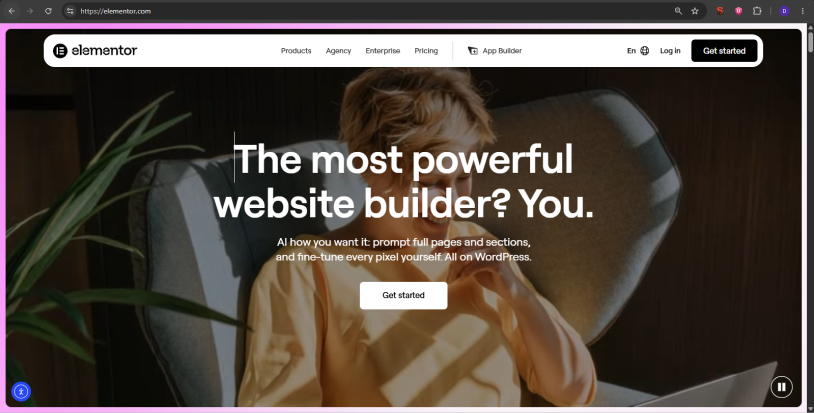
Elementor is one of the absolute best WordPress page builders for creating membership sites. It lets you design eye-catching, gorgeous, custom members-only pages, even if you’re a total beginner or non-coder.
To make a membership site work, you need a team of two:
- The Brain (ARMember): It handles the user registrations, takes membership fees via 22+ payment gateways, and decides who will be allowed to see what and when.
- The Beauty (Elementor): It takes the boring default page created by the “brain” and makes them look incredibly professional, branded and clean.
Best of all, if you upgrade to Elementor Pro, you get access to advanced conditions like dynamic visibility. This means you can design a single page but set conditional rules such as, if a visitor is logged out, show them a “Buy Now” button. And if a visitor is a VIP member, hide the button and show premium content instead.
In short, you can design custom member areas, login pages and restricted content blocks using its drag and drop tools.
What I like:
- Easy to create students portal and landing pages with no HTML or PHP
- Dynamic content integrations
- Robust Theme builder
- Deep WooCommerce integrations
- Massive third-party ecosystem
- 85 editor pro widgets
- Advanced flexbox and grid container
Downsides:
- Generates a high volume of nested HTML (<div> wrappers) and CSS files (may slow down speed)
- No lifetime pricing options
- Outdated native templates
- With over 15 million active sites, direct customer support can sometimes suffer from delays
Cost:
- Free version available
- Essential – $60/year
- Advanced Solo – $89/Year
- Advanced – $108/Year
- One – $180 for first year (Renews at $228)
Gutenberg
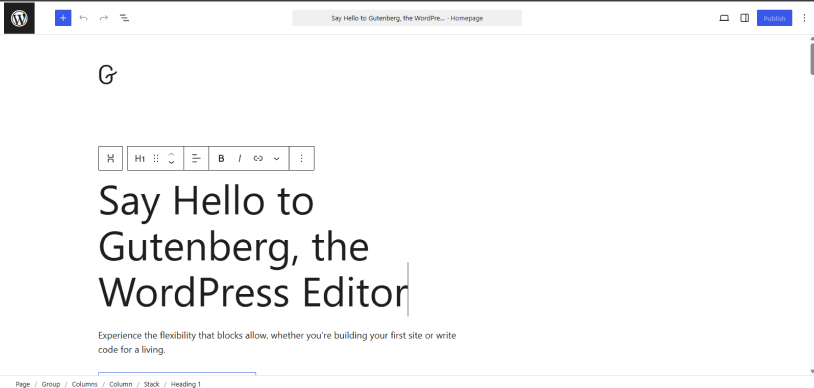
Although the reason many people look for page builders is because they’re trying to avoid using Gutenberg. However, this default WordPress editor is not as bad as when I tested it.
Gutenberg (the default WordPress block editor) is already built-in, fast, and highly capable when paired with the right block plugins like GenerateBlocks and membership tools like ARMember.
The reason I ranked it 2nd is because of the site speed it gives. No bloated or heavy code like Elementor, so it doesn’t slow down your website. This page builder editor is officially made by WordPress, and they designed it to be super lightweight, meaning faster loading time for your members and more conversation rates.
Apart from that, it’s great for standard layouts. You just need a bit more effort for highly complex, pixel-perfect designs. Best of all, if you are already familiar with WordPress, it has a zero learning curve for you.
What I like:
- Built directly into the WordPress core
- Exceptional performance and lightweight HTML code
- Full Site Editing
- Block Pattern library with pre-designed sections like layouts, headers, testimonials, and more
- Supported by excellent block-extension plugins like Spectra and Kadence Blocks
- Entirely free to use
- Follows strict web accessibility guidelines natively
Downsides:
- Not simple like other drag and drop builders feels
- Limited advanced design options
- Inconsistent user interface
- No real time front-end editing
Cost: Completely free to use (But you pay need to spend on block plugins for better designs and blocks)
WPBakery Page Builder
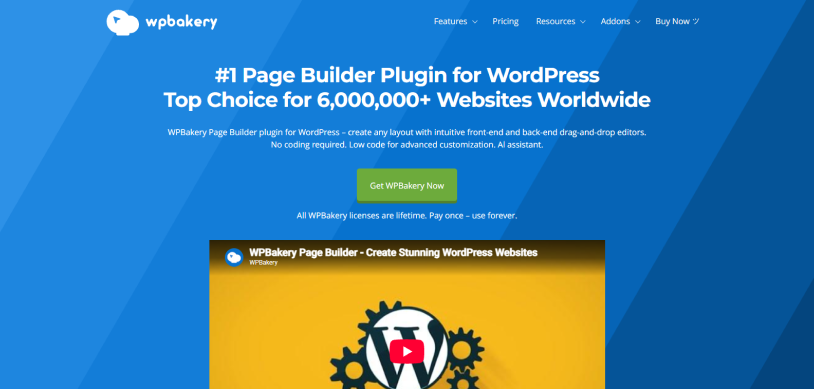
WPBakery Page Builder is one of the oldest and most famous drag-and-drop plugins for WordPress, but it works a bit differently than newer WordPress membership page builders.
This page builder is a classic, but it can feel a bit slow and outdated compared to modern tools that let you see your changes instantly. It comes with over 50 content modules like buttons, images, galleries, and text boxes. Plus, many older or premium themes come with WPBakery already included in the price.
The best part? It comes with an AI assistant to write text or generate custom CSS code.
All in all, I think WPBakery is not THE best page builder, but sure one of them. Although it is installed on over 4.3 million WordPress sites – that also because it comes pre-bundled with commercial themes from marketplaces like ThemeForest – it is widely considered clunky and outdated.
What I like:
- Dual editing modes
- Features thousands of third-party templates and extra elements add-ons
- Lifetime license option available
- WooCommerce integration for online stores and product layout (good if you’re also selling products alongside memberships)
- Easy to save custom layouts and reuse blocks across different pages
- Custom CSS support
- Granular role manager
Downsides:
- Steeper learning curve for beginners
- Outdated user interface
- No free version
Cost:
- No free version available
- $82 for lifetime – 1 site
- $299 for lifetime – 5 sites
- $592 for lifetime – 10 sites
Divi
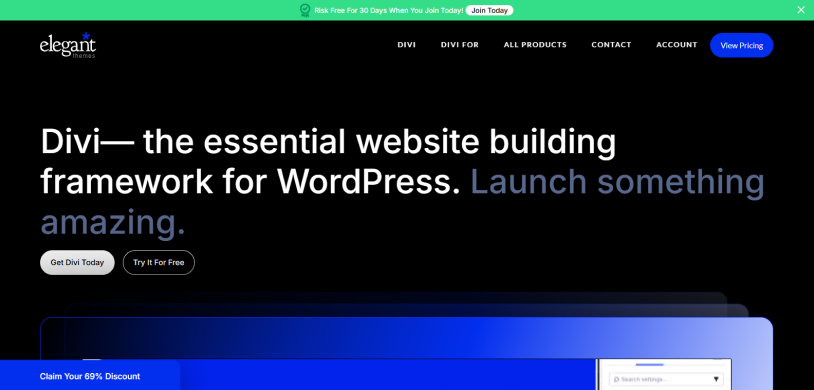
Using Divi Page Builder to create a membership site is like using Lego blocks to build a private club. Divi itself doesn’t lock the doors or handle the membership fees, but it lets you design incredibly gorgeous, professional-looking rooms once people are inside.
Thus, you can easily integrate ARMember with divi page builder to build a complete membership business website. Thanks to this, you can build landing pages, pricing tables and member dashboards with zero coding. Apart from that, you also get to decide exactly where your members-only videos, downloads and articles go.
Best of all, you can create one master design for all your premium courses or posts, and Divi will automatically apply it to every new piece of content you lock away.
What I like:
- Drag and drop, on canvas editing
- 1000’s of design options
- 100’s of modules to build with
- Easy to build custom loops for posts, terms and users
- Dynamic content
- Build layouts, write and generate images with AI
- Robust Undo/Redo history
Downsides:
- Shortcode lock-in effect – leaves messy shortcode soup if you ever deactivate the plugin
- Load heavier CSS and JavaScript files
- Divi AI is an Extra Cost
Cost:
- No free version available
- Divi Theme & Builder – $89/year
- Divi Theme & Builder + all Pro Services – $277/year
Avada (Fusion) Builder
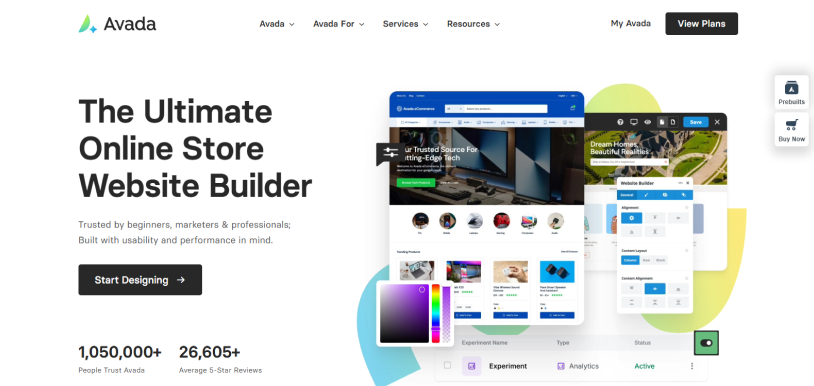
Avada (and its built-in Avada Builder, formerly Fusion Builder) is a powerhouse WordPress theme and plugin combo that gives you total visual control over how your website looks and works.
Integrating smoothly with membership plugins like ARMember, Avada lets you customize the entire membership experience with no code. The good thing is you can custom-built login pages, member panels, and pricing tables so they look exactly how you want.
Compared to other page builder plugins that need you to buy themes separately, Avada is a complete package. The theme and builder are tailor made for each other, meaning everything works perfectly together.
Plus, if you don’t want to start from scratch, you can always import an entire professionally designed website (for a gym membership, online course, a blog, etc.) with a single click and just swap out the text and images.
What I like:
- Offers access to dozens of professionally designed full website demos
- Dynamic content feature
- Built-in performance tools to minify CSS and JS
- Build website with 5000 AI credits every month (PRO)
- Form and popup builders
- Excellent documentations and support
- 113 finished websites or 600+ Studio blocks
Downsides:
- Cluttered Back End UX
- Can be heavy on lower-end hosting setups
Cost:
- No free version available
- Solo – $49/year for essential and $99/year for Pro
- Studio – $99/year for essential and $169/year for Pro
- Agency – $229/year for essential and $329/year for Pro
- Scale – $399/year for essential and $499/year for Pro
Beaver Builder
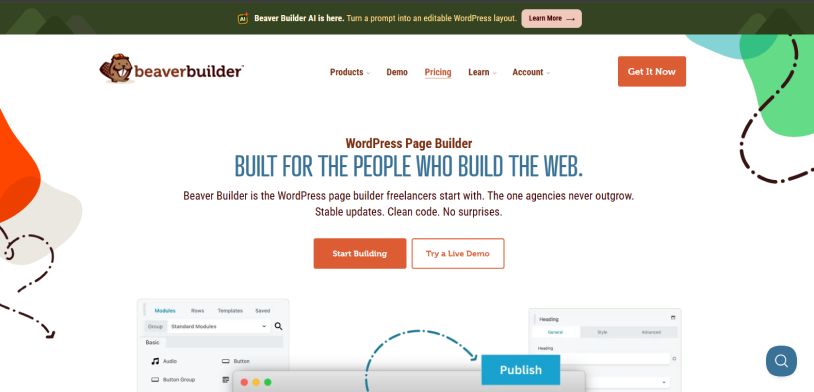
Beaver Builder is a no-fuss leading WordPress page builder plugin due to its stability, clean code, and live “what you see is what you get” editing experience.
What makes it better is the fact that it doesn’t overload you with endless flashy features. Beaver Builder is designed to be a reliable and developer-friendly workhorse so that it doesn’t break your website when updates roll out.
While it is easy for beginners, developers love it because they can easily jump into the code, create custom modules, and override styles without fighting the builder.
What I like:
- Clean and bloat-free code
- Developer friendly framework
- Front-end editing
- Unlimited site license available
- Excellent theme compatibility
- White-label options
- SEO and performance friendly
Downsides:
- Limited lite free version
- Dated user interface
- No full site editing out of the box
Cost:
- Free version available
- Starter: $89/year
- Plus: $179/year
- Professional: $299/year
- Unlimited: $546/year
SiteOrigin
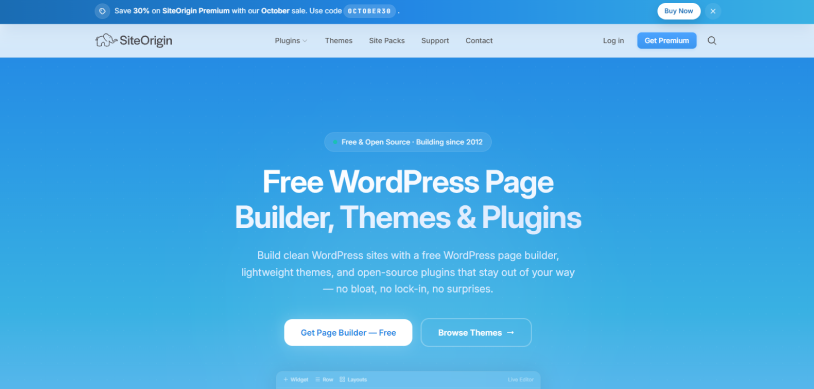
SiteOrigin is one of the OG and most trusted grid-based page creation plugins for WordPress. Although newer WordPress page builders like Elementor or Gutenberg handle most of the spotlight today, SiteOrigin remains highly unique for a few specific reasons.
Firstly, it works with the widgets you already know. Thus, if you have a widget from another calendar, contact form or recent post list, you can drop it right into your page layout. On top of that, it is incredibly lightweight and fast as it uses clean and minimal code.
SiteOrigin even offers a unique split-screen preview. You can edit your rows, columns, and widgets on one side of the screen, and see a live preview of how it looks on the other side.
Best of all, SiteOrigin Widgets Bundle-completely free. And if you ever decide to deactivate it, it won’t leave your website looking like a broken mess of messy code brackets (known as shortcodes).
What I like:
- Highly performance focused
- Genuinely free core plugin
- 45 addons in one price
- Back-end and live front-end modes
- Deep History and Rollback Support
- Smooth block editor compatibility
- Budget friendly premium upgrades
Downsides:
- Less intuitive live editing experience
- Outdated interface aesthetics
- While it does offer full-page templates, its pre-built designs are basic and less visually striking
Cost:
- Free version available
- Personal: $69/year
- Business: $96/year
- Developer: $180/year
Bricks Builder
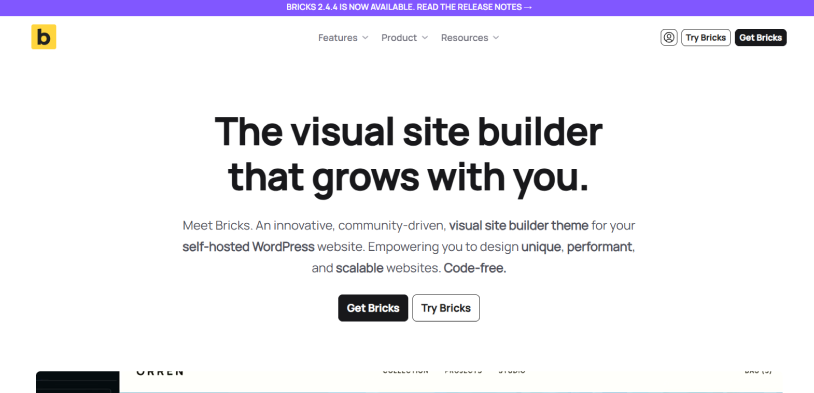
Bricks Builder is a modern theme and page builder for WordPress that is built on Vue.js and focuses on speed, clean code, and giving you full control over your design.
Many builders nest boxes inside boxes inside boxes, which creates bloated code. Bricks writes incredibly clean, minimalist HTML. Furthermore, because it uses Vue.js, the builder interface itself is lightning fast. When you change a color or move an object, it happens instantly without lagging your browser.
What I like:
- Lightweight HTML
- Fast load times
- Webflow-like interface
- Real CSS Classes and global styles
- Native query loops
- All-in-one theme and builder
- Developer-friendly
Downsides:
- Steep learning curve
- Risky for non-technical clients because of its deep flexibility
Cost:
- No free version available
- 1 website – $79/year
- 3 websites $149/year
- Unlimited websites – $249/year
- Ultimate Lifetime – $599..
Final Verdict
In a nutshell, these are the best WordPress page builders for building membership websites. What makes all these page builders even better is their smooth integration with membership plugins like ARMember, so you can create a complete, feature-rich membership site with zero coding.
Related articles:

Share this post


Subscribe Newsletter
Never miss any of our tips, tricks, and news, Subscribe now!