


Addressing a social need or problem requires an established online presence. WordPress is the best starting point for this thanks to its ecosystem of plugins ready to serve any goals.
Want to create donation forms? Easy. Need to provide services, organize events, and connect a small shop? Possible. Want to raise awareness by offering online courses? Many plugins are already shaped for this goal.
In this guide to create nonprofit website in WordPress, we want to specifically suggest the tools you might need based on your goals and mission. So, it’s perfect if you’re just deciding how to set out!
Tools For Creating Nonprofit Website With Specific Groups
If your site is looking to provide services to a specific group like youth, seniors, people with disabilities, or underserved communities, here are plugins you might need based on your goals:
- Appointment scheduling: install BookingPress for automated appointment booking with individuals and groups, meetings, consultations, and other services.
- Event schedules: use plugins like the Events Calendar to feature events that are coming up for your non-profit organization.
- Donation plugins: For fundraising, use various WordPress donation plugins that suit your needs. To accept and manage online gifts GiveWP (popular and powerful donation forms), Charitable (flexible fundraising campaigns), or WP Simple Pay (Stripe-based payment forms).
- Directory plugins: if you need to create a list of services or big directories of opportunities, consider directory plugins for WordPress like Directorist.
- Forms and client intake: To collect information from beneficiaries or service requests: ARForms, Gravity Forms, WPForms, Formidable Forms (all are user-friendly form builders with powerful data collection).
- Accessibility and translation: To make services inclusive and global, for example, translate your offerings, consider tools like WPML or TranslatePress. For accessibility enhancements, check out the Accessibility Checker.
- Email marketing: MailPoet and other plugins that offer integrations with email services that you use.
Educational Nonprofits: Raising Awareness And Advocating For Change
Educational nonprofits like schools, training programs, literacy orgs, online learning initiatives are looking to teach, train, certify, and share knowledge.
So, if you want to create nonprofit website for education, research, or policy advocacy, you might be running special courses or webinars, online and offline.
For this goal, WordPress also offers many great solutions like LMS plugins (learning management system) for course creation, where you can build your own lessons and let people enroll to study online.
In WordPress, you can take a look at LearnDash, LifterLMS, or Tutor LMS. LMS offers a range of built-in tools for quizzes, assignments, and feedback, which is great for assessment.
They ensure you can power up your nonprofit WordPress site with:
- Simple WordPress class registration.
- Course creation and enrollment.
- Quizzes, assignments, and graded assessments.
- Discussion forums and student communities.
Learning can happen in multiple ways, with WordPress, you can even create small academies inside your site with a full-scale process.
Website tools your education nonprofit site might need:
- Course / program listings
- Online registration or enrollment forms
- Learning management system (LMS) or embedded courses
- Class schedules and calendars
- Donation and fee payments
- Downloadable resources (PDFs, worksheets)
- Certificates of completion
- Email notifications and reminders
- Student accounts / portals (optional).
Creating Online Memberships For Non-Profits
For membership-based nonprofits like associations, professional orgs, and clubs that are looking to grow a member community, a membership plugin is a must-have.
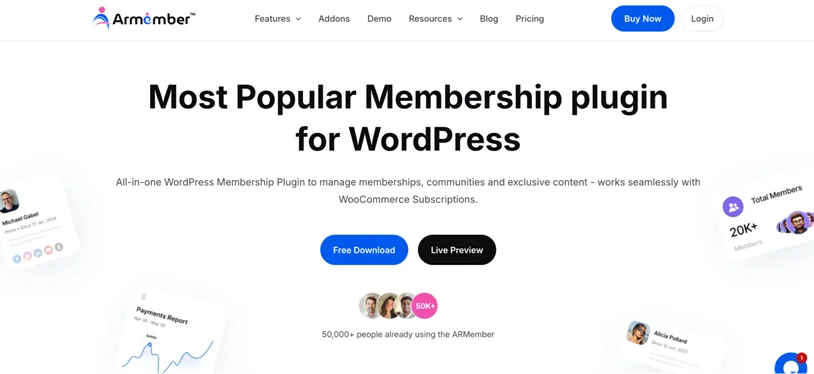
It’s normally used for user registration and content management.
Website tools and plugins that member-centered nonprofits need include member registration and login options on the site, sometimes membership payments and renewals, and member-only content (locked out for public access).
Such sites also often need to host events and event registration, voting or surveys, member newsletters with email services, announcements and notifications. A membership plugin can cover it all!
The ARMember plugin is one of the best solutions for running nonprofit site registrations for further communication, collaboration and studying.
Key possibilities of ARMember for nonprofit WordPress sites:
- Paid or free tiered memberships for access to exclusive content.
- Course delivery with drip-feed scheduling and content protection.
- Discussion forums, live chats, and member directories.
- Tracking membership trends and student behavior to improve your offerings and strategies.
- Communication between members and site owners, social messaging, and more.
- Automated notification and subscription payments.
Create WordPress Nonprofit Website For Trusts And Family Foundations
Grant-making organizations, trusts, and family foundations require a different set of tools on their WordPress site.
If you need to fund other organizations or initiatives through your site, website solutions to consider include plugins that help with:
- Grant program listings and grant application forms
- Application tracking portals
- Grant cycles and deadlines
- Eligibility check tools
- Document uploads
- Past grants and impact reporting
- Reviewer/admin dashboards.
If you are looking for this functionality, consider these specialist plugins like Grant Directory Pro.
Other diverse solutions worth your attention are directory plugins like Directorist or HivePress.
E-Commerce Tools For Accepting Donations Or Selling Merch
WordPress e-commerce capabilities help you easily collect funds for your mission.

Fundraising can be a central part of your site or just an extra capability that you need to enable for specific programs or tasks. Either way, you have many tools to collect donations on WordPress.
Moreover, WordPress is the best solution for fundraising because it allows you to control, scale, and customize your fundraising activities in the highest quality way.
WordPress can even handle large donation volumes if you are on good hosting and quality donation plugins. WordPress is widely used by nonprofits to handle fundraising campaigns that draw significant online engagement.
So, how does it work?
Online fundraising on WordPress can be achieved through smart donation forms, payment processing, and extra options like recurring payments.
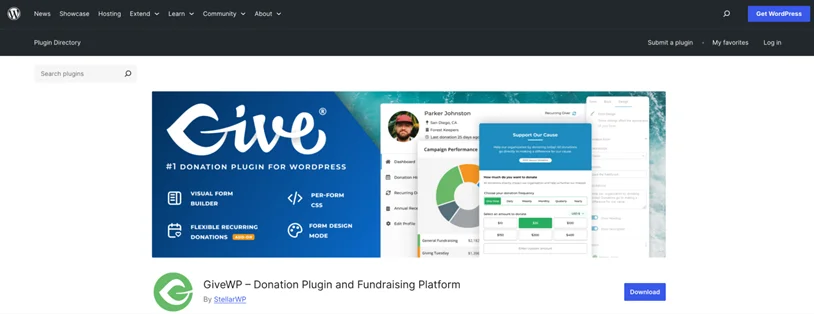
1. Donation Forms
Plugins like GiveWP allow you to create donation forms to collect donor details and payment information securely. Most donation forms support one-time and recurring donations, suggested or custom amounts, and options for tribute or memorial gifts. Placing forms directly on campaign pages helps capture donors when motivation is highest.
2. Payment Gateways And Recurring Donations
Payment gateways like Stripe or PayPal process donations with high-class online security, they normally come with a WordPress donation plugin integrated and you only need to connect them to your accounts.
Using well-known gateways builds trust, keeps sensitive payment data off your site, and allows nonprofits to offer multiple payment methods such as credit cards or digital wallets. Recurring donations allow supporters to give automatically on a monthly or scheduled basis with the same or other payment getaways.
3. Donor management
If you need a sort of CRM, WordPress donation plugins also track donor data, allowing nonprofits to monitor donation history, generate reports, and understand donor trends.
In addition to GiveWP, popular solutions include FundEngine, Donation Platform for WooCommerce (requires also WooCommerce), and Charitable.
Pairing a donation plugin with WooCommerce is a good solution if you want to sell extra branded products or services, not just collect donations.
CRM And Donor/Client Tracking For A Nonprofit WordPress Website
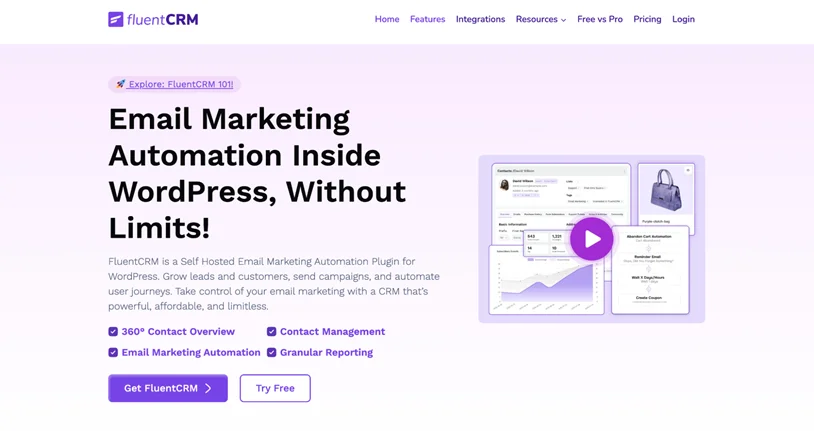
To manage people, communications, and history for your non-profit site, in many cases, you don’t need extra tools like CRM. Why? Because when you use a membership plugin, a user registration solution, or even a donation and fundraising plugin, a lot of client data and analytics already come with these plugins.
However, sometimes you need more than that – or want to transfer donation data to more specialist CRM solutions for deeper insights and relationship management. In WordPress, consider some of the solutions:
- FluentCRM (email + contact management)
- Groundhogg (CRM + automation)
- Jetpack CRM (lightweight contact tracking)
- WP-ERP (includes CRM, HR, and accounting modules).
With such tools, you can upload your donor lists, support cases, outreach workflows, and build better strategies for your non-profit organization.
Over To You: Build A Nonprofit WordPress Site With The Right Tools
The process of creating nonprofit website with WordPress that is truly functional begins with defining the right set of tools that help you reach your goals, whether it’s pricing, online appointment booking, implementing donation workflows, or creating a grant directory.
To sum up on a few good plugins that can support your mission:
| Non-profit Need | Plugin Type |
| Collect service requests | Form builder (ARForms) |
| Create a login-based membership or community | Membership, subscription and user registration plugins (ARMember) |
| Schedule appointments | Events/scheduling plugin (BookingPress) |
| Track and analyze donors/clients | CRM (FluentCRM, Jetpack CRM) |
| Courses and online learning | LMS (LearnDash) |
| Support multiple languages | Translation plugins (WPML, TranslatePress) |
| Map services | Directory plugin (Directorist, GeoDirectory, HivePress) |
WordPress is very flexible, so you can mix and match plugins and tools to support different needs on your site, and even have them work together!
Related articles:

Share this post


