



Visitors rarely read every word on a page. They scan. When information is organized in a clean table, people can compare options, understand details faster and make decisions with less effort.
That’s exactly why tables are used widely for pricing, feature comparisons, product catalogs, schedules and business data. The challenge is that WordPress’ default Table block works only for basic layouts which makes your website look from 2014. And don’t even get us started on adding sorting, filters, images, buttons, or responsive designs, as it can become really frustrating.
A quality table builder plugin solves these all problems. With features such as drag and drop editing, sortable columns, responsive layouts, WooCommerce integration and spreadsheet imports, you can easily create tables that look professional and are easy to manage.
Thus to make your decision easier (plus right), we’ve reviewed the best WordPress table builder plugins available.
TL;DR: After comparing all the popular table builder plugins in WordPress, TableKit turns out to be the best choice for Gutenberg users and content creators.
Quick Comparison: Top 8 Best WordPress Table Plugins
No time to read it all? Let’s spare a quick glance at the snapshot of the best table builder plugins available today.
| Plugin | Best For | Builder Type | Free Version | Starting Price |
| TableKit | Gutenberg users and content creators. | Block Editor | ✅ Yes | $49/year |
| ARPrice | Pricing tables, comparison tables, and subscription plans. | Visual Editor | ✅ Yes | $27 (One Time) |
| TablePress | Large datasets and spreadsheets. | Spreadsheet | ✅ Yes | $89/year |
| Tableberg | Pricing and comparison tables. | Block Editor | ✅ Yes | $49/year |
| wpDataTables | Business reports and analytics. | Wizard Based | ✅ Yes | $59/year |
| WP Table Builder | Bloggers and affiliate marketers. | Drag and Drop | ✅ Yes | $39/year |
| Ninja Tables | Advanced and dynamic tables. | Drag and Drop | ✅ Yes | $55/year |
| JustTables | Beginners and simple tables. | Visual Editor | ✅ Yes | $49/year |
Why Use a Table Plugin in Your WordPress Site?
WordPress has a default table block that is limited. It lacks sorting, filtering, responsiveness, and advanced styling. The table plugins provide what a default table block lacks.
Here is why the table plugin matters
- Create interactive tables (sorting, filtering, pagination).
- Import/export data from CSV, Excel, or Google Sheets.
- Import and export data from CSV, Excel, or Google Sheets.
- Build responsive tables that look great on phones.
- Show complex datasets clearly.
All in all, table builder plugins turn your static content into dynamic and user friendly data shows.
Top 8 Best Table Builder Plugins For WordPress
1. TableKit

TableKit is a lightweight and modern table builder plugin for users who prefer to work on native WordPress environment. Unlike other traditional plugins with separate dashboards, TableKit works directly inside the WordPress block editor.
TableKit uses block-based editing rather than a traditional drag-and-drop interface. You can easily add, rearrange and customize table elements visually within Gutenberg.
TableKit can be a very good option when doing blog comparison tables, simple pricing tables, and content-focused tables within posts.
Key features:
- Native Gutenberg block integration.
- Sorting, filtering and pagination support.
- Custom styling controls.
- WooCommerce Product Table.
- Dynamic Data Table and WordPress Post Table.
Pros:
- Lightweight
- Product Integration
- Cost effective
Cons:
- Limited integrations compared to bigger plugins.
Pricing:
- Free version available
- The Pro plan of TableKit starts from $49/Year.
2. ARPrice

ARPrice is a top-tier WordPress pricing and comparison table plugin. For those who wanna avoid the hassle of building a table from starch, this plugin offers a set of 300+ ready-made table templates.
With an intuitive real time visual editor, it also gives you complete freedom to design beautiful, high-converting subscription or product comparison tables in minutes, even if you’re a non tech-savvy person.
This plugin allows you to easily add monthly or yearly billing smart price toggles alongside the option to embed YouTube or Vimeo videos, audio players or even Google Maps directly to columns.
Key features:
- Over 300 responsive designs to fit any niche, from sleek SaaS to creative agencies
- PayPal Buy Now Button
- Built-in analytics to track how many people view your table
- Compatible with all popular page builders like Elementor, Gutenberg, Divi and more
- 3000+ Icons and rich animation effects
Pros:
- Super beginner friendly and lightweight
- Highly responsive across all devices
- Affordable premium plan
Cons:
- Free version is quite basic
- Advanced features needs premium version
Pricing:
- Free version available
- The pro plan starts from $27/Year.
3. TablePress
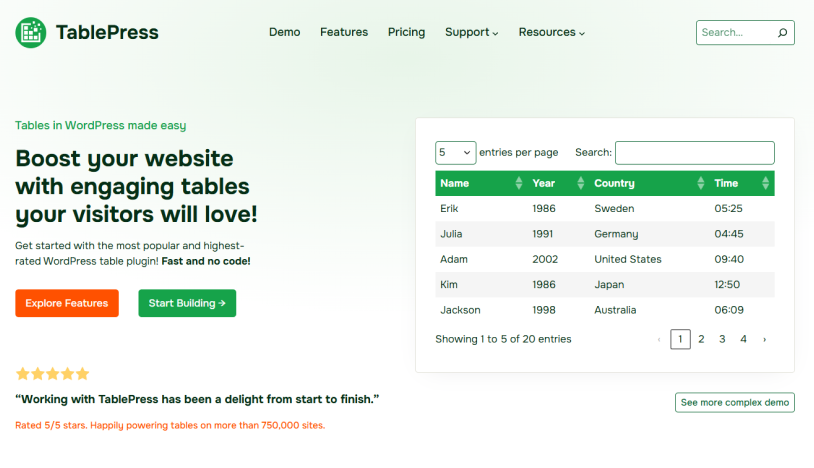
Powering over 750,000 active websites, TablePress is one of the most popular WordPress table plugins here. You can use it for Excel-style editing without any HTML.
Plus, it got Math Formula support so calculations happen dynamically inside cells exactly like a real spreadsheet.
TablePress does not have a drag and drop interface as it got something even better: a spreadsheet style interface similar to Excel, which many people find way more efficient.
Best of all, this plugin supports all complex features like excel formulas, live sorting and paginations. You can embed these tables anywhere using the simple shortcodes, native Gutenberg blocks or Elementor widgets.
Key features:
- Import/export tables via CSV, Excel, and Google Sheets
- Sorting, filtering, and pagination
- Formula support for calculations
- Extensive add-ons for extended functionality
- Shortcode embedding anywhere on your site
Pros:
- Extremely reliable and stable
- Great for large datasets
- Strong free version
Cons:
- Design customization requires extra CSS or add-ons
- Not visually intuitive for beginners
Pricing:
- Free version available
- The pro plan starts from $89/Year.
4. Tableberg
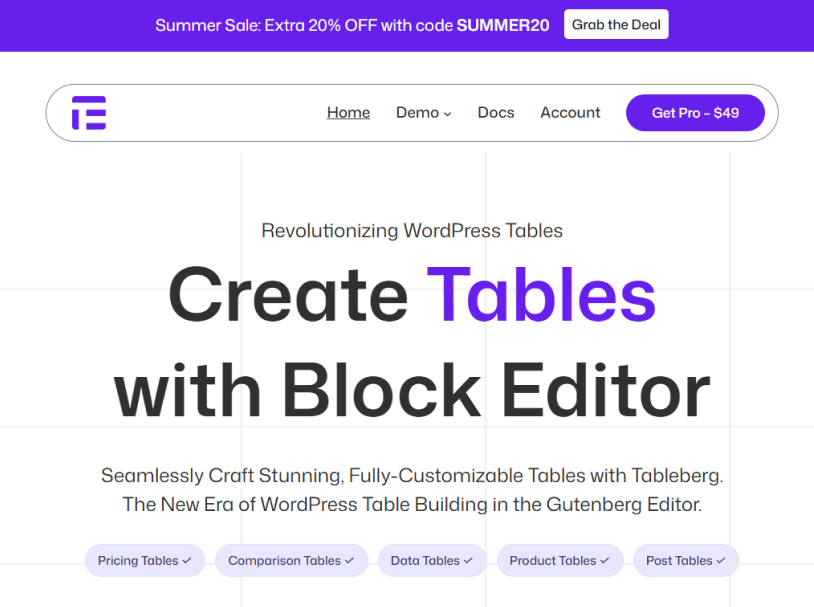
Tableberg is another one of the best WordPress table builder plugins which is famous as the premier Gutenberg-native, block-based option here.
This table plugin for WordPress allows you to build a rich, multi-media layout right inside your WordPress block editor. So for those who love Gutenberg or WordPress-native block editor, this is the best option.
Thus it’s the perfect choice for affiliate marketers, bloggers and business owners who want to design eye-catching product comparison tables or pricing matrices with no need to code. However, if you want heavy front-end data management features, then TablePress or Ninja Tables are worth considering.
Key features:
- Add blocks inside table cells (buttons, images, ratings, lists).
- 20+ pre-designed templates.
- Sorting, filtering and pagination.
- Built in responsiveness.
- Import/export support (CSV/XML).
Pros:
- Highly flexible design.
- Perfect for marketing tables.
- Gutenberg native experience.
Cons:
- Newer plugin, so still expanding.
- Advanced features need Pro.
Pricing:
- Free version available
- The pro plan starts from $49/Year.
5. wpDataTables
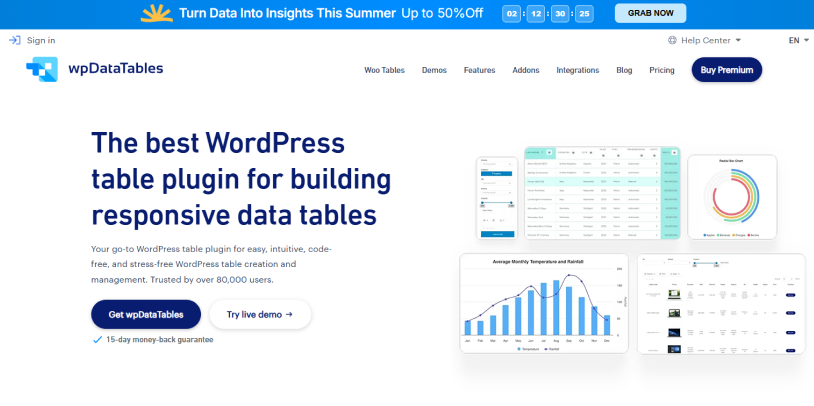
wpDataTables is a powerful plugin built for handling dynamic datasets with ease.This WordPress table builder plugin is mostly used in dashboards, reporting systems and data heavy websites.
Apart from this, wpDataTables offers a guided table creation wizard with advanced configuration. Thus you can easily update existing charts with prefilled data. This table builder allows you to create 23 different chart types using the Google Charts & Chart.js rendering engine.
All in all, wpDataTables is extremely useful for financial dashboards, data reporting systems, analytics and statistics websites and more.
Key features:
- Handles large datasets from thousands to millions of rows.
- Supports multiple data sources like CSV, Excel, JSON, XML and PHP databases.
- Built in charts along with data visualization tools.
- Conditional formatting.
- Frontend editing capabilities.
- Advanced filtering and search options.
Pros:
- Advanced integrations.
- Powerful + scalable.
- Professional use suitable only.
Cons:
- Steeper learning curve
- Overkill for simple tables
Pricing:
- Free version available
- The premium paid plan starts from $59/Year.
6. WP Table Builder
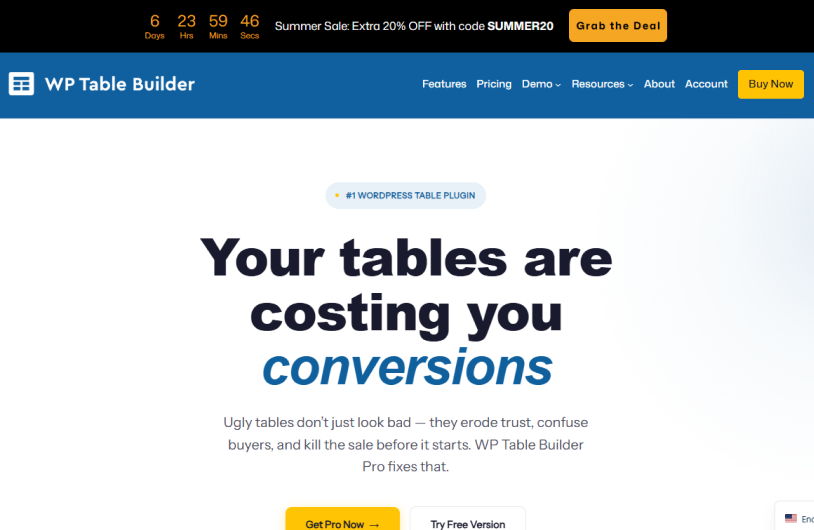
WP Table Builder is made for those who want to create visually appealing tables without touching code. That’s exactly why it’s popular way too much among bloggers and affiliate marketers for creating product comparison tables, affiliate marketing tables, pricing tables and more.
WP Table Builder is a drag and drop tool where you can visually place elements right inside table cells. Moreover, this table builder allows you to add the table in posts and pages through a simple shortcode.
Key features:
- Drag-and-drop elements like text, image, button, rating, icon, list.
- 25+ pre-built templates
- Custom styling options
- Import/export functionality
- Sticky rows, pagination, and scroll options
Pros:
- Very easy to use
- Great for visual tables
- No coding required
Cons:
- Not ideal for complex datasets
- Limited scalability
Pricing:
- Free version available
- The paid plan starts at $39/Year.
7. Ninja Tables
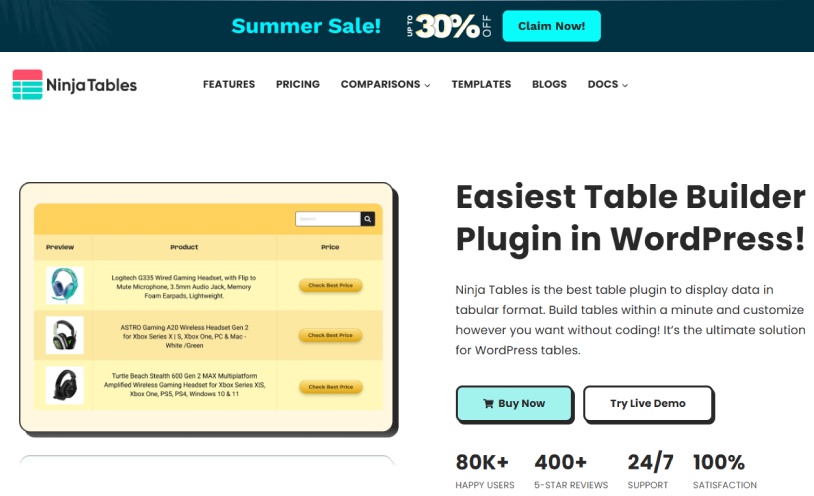
Another best table builder plugin for WordPress is none other than Ninja Table.
This feature rich plugin designed for both beginners and advanced users. Thus it balances design flexibility with powerful data handling. Using this, you can easily create and customize tables such as eCommerce product tables, dynamic data tables, marketing tables, comparison tables and many more.
Ninja Tables got a drag and drop simple user interface along with manual editing options. On top of which, you can also embed the table anywhere on your website through a simple shortcode.
Key features:
- 100+ table styles and 50+ free table templates
- 11 table creation options and 2 table modes, which are Advanced (Classic) and Simple (Basic).
- WooCommerce integration
- Google Sheets synchronization
- Conditional formatting
- Charts and graphs support
- Import/export from CSV, Excel, and Google Sheets
Pros:
- Highly customizable
- Great integrations
- Fast and responsive
Cons:
- Advanced features are locked behind Pro
- Can feel feature-heavy for beginners
Pricing:
- Free version available
- The premium plan starts at $55/Year
8. JustTables

Last but not the least, JustTables is a newer and considered minimalist table builder that is focused on simplicity and performance. That’s exactly why it’s good for users who want quick results without dealing with complex settings.
But remember JusTables only offers basic visual editing. So you can easily create simple blog tables, basic pricing tables, quick data display, and more. On top of that, you can enable/disable table header and search box.
Key features:
- Lightweight and fast
- Responsive layouts
- Basic customization options
- Sortable and filterable table view
- 28 pre-built columns with options to enable/disable.
- Add custom columns with custom fields/custom taxonomies.
Pros:
- Very easy to use
- Minimal setup required
- Performance focused
Cons:
- Too limited advanced features.
- Not suitable for complex or large datasets
Pricing:
- Free version available
- The paid plan starts from $49/Year.
Conclusion
In a nutshell, these are all the best table builder plugins for WordPress.
Now choosing the “RIGHT” table builder plugin depends completely on your needs. Still we suggest you look for the one that’s built with simplicity in mind, flexible design and advanced data management features.
With the right plugin, you can turn raw data into engaging and interactive experiences that improve both usability as well as conversions.
You may also like:
- 5 Best WordPress User Registration Plugins in 2026
- 14 Best WordPress Booking Plugins Compared 2026
- How Custom Registration Forms Boost Membership Conversions?
FAQs
Are WordPress table plugins beginner friendly?
Yes, most modern table plugins are designed for non-technical users. Thus they offer pre-built templates and a visual editing solution to easily create tables with no coding at all.
Which plugin is best for large datasets?
wpDataTables is the best choice for handling large and dynamic datasets.
Do table plugins affect website speed?
Yes, but mostly with large datasets. You can choose optimized plugins and good hosting.
Are table plugins SEO friendly?
Yes, most table plugins are SEO friendly as long as Table content is visible in HTML (not images) and proper headings as well as structure is used.
Do WordPress table plugins support WooCommerce?
Yes, several plugins integrate with WooCommerce. TableKit and Ninja Tables allow users to create product tables, searchable catalogs, and WooCommerce comparison tables easily.

Share this post


