


Hosted membership platforms sell you an entire managed business system. WordPress membership plugins give you tools to build and run your membership site yourself. That’s why pricing, flexibility, maintenance, ownership, complexity, scalability and other things are pretty much grounded in this key difference.
But if you want to learn more, we’ve researched the topic deeper to help you see the practical differences and assess what works best for you.
TL;DR: Choose a hosted membership platform if you want simplicity and speed. Choose a WordPress membership plugin like ARMember if you want full control, better SEO potential, deeper customization and a platform that can grow alongside your business over time.
Hosted Membership Platforms vs. WordPress Membership Plugins: The Core Difference
Hosted membership platforms are SaaS (software-as-a-service) platforms like Kajabi, Teachable, or Podia.
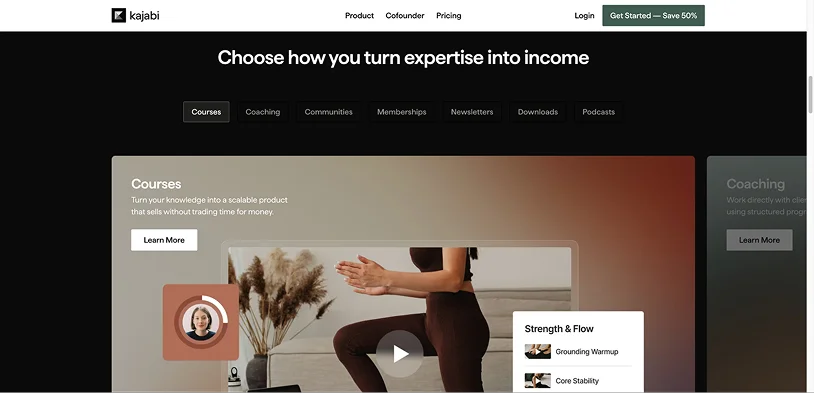
This is a typical choice for many creators and businesses that don’t start with the idea of using a CMS or website builder platform. They may not even know or care what those are. They simply want something intuitive and familiar, so the typical process of getting started with a hosted membership platform involves:
- creating an account
- uploading content
- configuring memberships
- connecting payments
- and the platform hosts/runs everything
For your idea, you will basically rent the web infrastructure and will typically need to pay regular subscription costs.
WordPress membership plugins (ARMember, MemberPress, Paid Memberships Pro, etc.) are self-hosted tools, which means you need to have a site to install and manage them yourself.
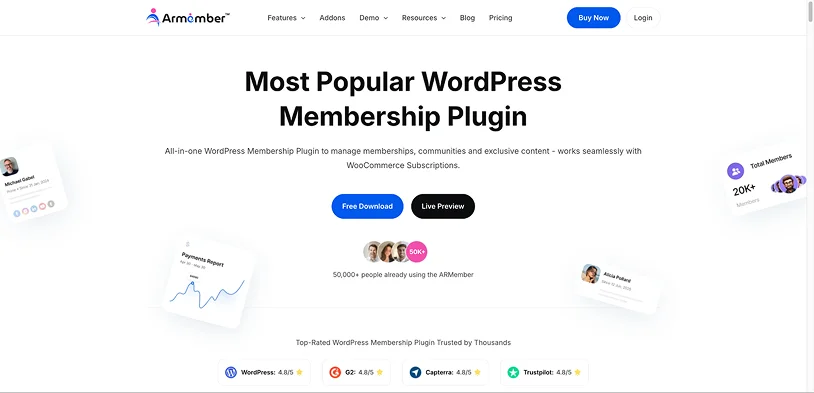
What are your steps? They include:
- buy hosting
- install WordPress
- install plugins
- configure everything yourself
- and you own the platform stack
In this case, what you are renting is hosting, but the entire membership infrastructure belongs to you.
Ownership vs Convenience
But which of those workflows we’ve described above is easier? How does it correlate with the long-term business goals or needs? Let’s try to visualize the business-level distinction in the table below:
| Area | Hosted Platform | WordPress Plugin |
| Infrastructure | Managed for you | You manage it |
| Ownership | Limited/platform-dependent | Full ownership |
| Data control | Partial | Full |
| Customization | Limited by platform | Almost unlimited (extend with other plugins and add-ons) |
| Technical responsibility | Low | Medium to high |
| Flexibility | Moderate | Very high |
| Vendor lock-in | Often high | Much lower |
In practice, they operate differently as closed vs modular ecosystems.
Hosted systems are usually very professional – but tightly integrated, opinionated, and standardized.
You work inside their system, including their checkout, course structure (if any), member dashboards, subscription logic, email systems, etc. It targets non-experts, thus, giving you simplicity, stability, easier onboarding, and fewer or faster fixed technical issues.
As you might have guessed, restrictions come hand in hand:
– fewer customization options,
– dependence on their roadmap.
If they do not support a feature or don’t plan it, you may simply not get it and would need to switch to a different platform.
WordPress works more like assembling components and is highly referenced as a modular ecosystem – extendable and flexible with things of your choice:
- themes
- membership plugins
- payment gateways
- LMS
- email marketing
- community plugin
- caching
- security
- hosting
If you don’t get anything with one plugin, you simply connect another. After all, this is the most used site builder in the world and quite a lot of companies deliver solutions to suit any needs. WordPress users, thus, get massive flexibility, deeper customization, and easier ownership – with any site, not just a membership one.
On the cons side, you may encounter the need for more moving parts, have plugin conflicts, and face technical complexity.
Setup Effort
The truth is, hosted platforms are usually fastest to launch because they are optimized for a quick and user-friendly setup (they want to appeal to non-techs). Even a beginner can often launch in 1-3 days. That’s why they are typical favorites of those who don’t want to get deeper into the tech nuances of WordPress.
The setup is often simplified to the familiar process:
- Create account
- Add branding
- Upload content
- Connect Stripe/PayPal
- Create plans
- Launch
The WordPress membership plugin setup is also not that hard, but the bigger part of the work should be done before you even install a membership plugin. It could take several days or weeks for a polished setup that can start getting you members. So, the whole process takes more steps:
- Buy hosting
- Install WordPress
- Configure security
- Install theme
- Install membership plugin
- Configure payment gateways
- Configure email delivery
- Configure backups
- Configure caching
- Create protected content structure
- Optimize performance.
The workflow with the WordPress membership plugin setup can take even longer in specific scenarios, e.g. when you also launch online courses, communities, gated downloads, multilingual support, affiliates, CRM integrations, or connect any third-party services.
Maintenance Differences
Hosted platform maintenance is easier, no doubt. The provider usually takes care of the tech part: hosting, uptime, server scaling, security, software updates, backups, payment updates, etc.
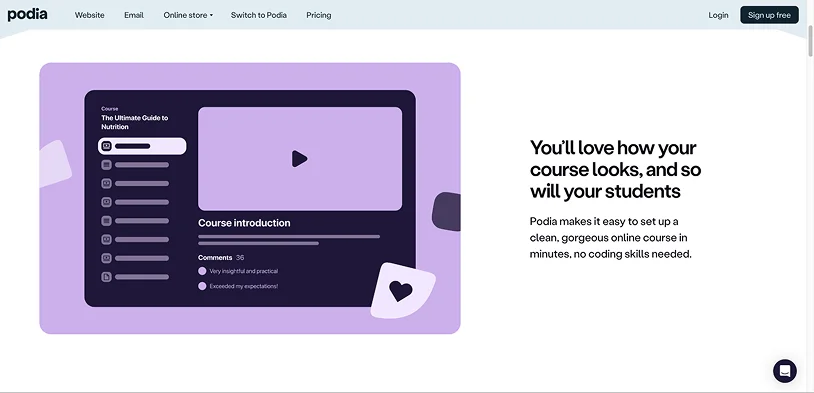
The business owner mainly manages membership content, site design, marketing, and customers. You won’t even know what’s going on under the hood.
As for WordPress… Many WordPress site owners, if they build a big brand they want to scale, have tech teams or hire outsourced site maintenance companies. If you are a solo site owner wanting to run a membership site, no problem, you can also do that manually. However, the list of chores is significant:
- WordPress updates
- plugin updates
- backups
- security
- malware protection
- performance optimization
- server scaling
- database cleanup
- payment gateway maintenance
- email deliverability
Even small issues can matter (failed recurring payments, broken checkout after updates, plugin conflicts, caching problems affecting memberships, subscription webhooks failing, etc.) and take a lot of your time.
Flexibility & Customization
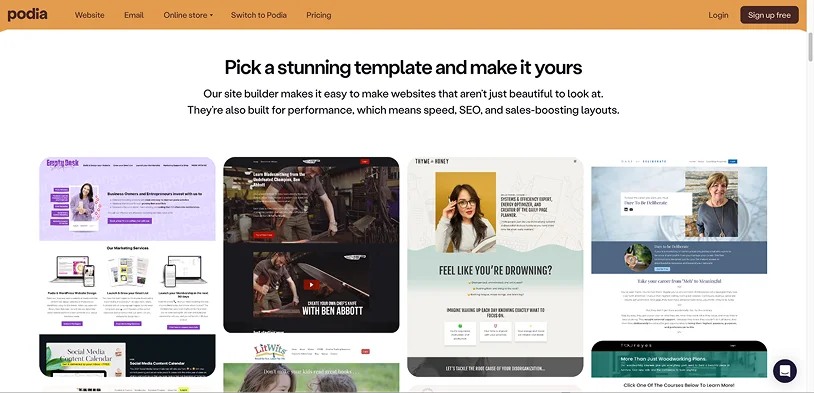
Hosted membership platforms traditionally provide a decent level of customization when it comes to building any membership scenario. They will typically rely on templates – like Podia, plus a custom builder to update design.
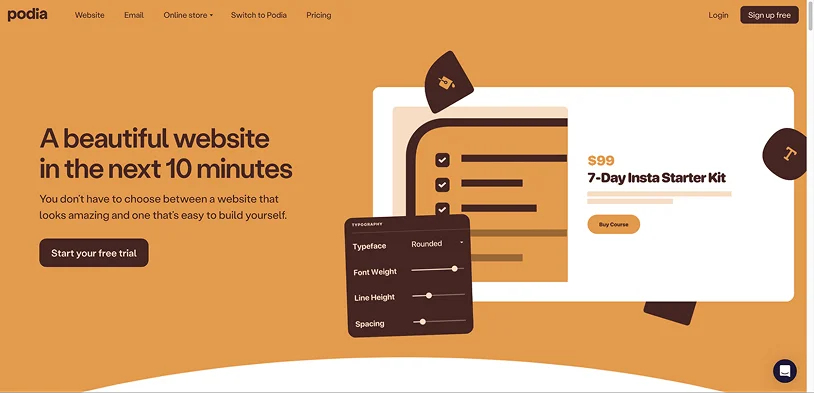
For instance, you can use the Podia website tool to create a full website, standalone landing pages, or both. To sum up, you can configure and update your membership site – but unlikely to deeply redesign it.
All the industry-standard features are also included and customizable:
- Digital products and embeds.
- Upsells
- Email marketing
- Affiliate marketing
- Video hosting
- Online courses
- Booking coaching
- Customer messaging.
You will also be able to deeply alter checkout logic, control backend architecture, and modify subscription workflows extensively. If you are a teacher, coach, or educator, this is an easy choice.
A WordPress membership plugin lets you customize nearly everything – with or without extra extensions. And not just with custom code or APIs, but also more human-friendly things:

- Payments gateways (e.g. WooCommerce),
- Custom post types for any content,
- Automation tools,
- External CRMs,
- Multilingual systems,
- Custom member experiences.
WordPress + membership plugins are often chosen for unique business models, SEO-heavy businesses, content publishers, large membership sites, complex workflows, agencies, and scaling brands.
SEO Differences
Nowadays, SEO is changing gears to GEO and AEO, however, fundamentals remain the same. Every platform, whether it’s hosted or a WP plugin, understands how much SEO matters for any content business like a membership site.
On hosted platforms, SEO may be limited because it’s not the first priority for them. It may lack things like deep schema control, advanced optimization, technical SEO flexibility, performance tuning, etc. The only conclusion we can make is that some platforms are much better than others. And if this is highly important for you, it’s better to check this particular feature with the platform.
WordPress is generally stronger for SEO-heavy businesses. Especially because you control URLs, metadata, schema, performance, caching, structured content, blog architecture, and even multilingual SEO. This is one reason many large content membership businesses prefer WordPress.
Payment Differences
Hosted platforms provide different payment processing options – but usually we talk Stripe and PayPal with a really easy guided setup.
But the main downsides for business remain:
– platform transaction fees often take place.
– limited gateways,
– platform-controlled billing logic.
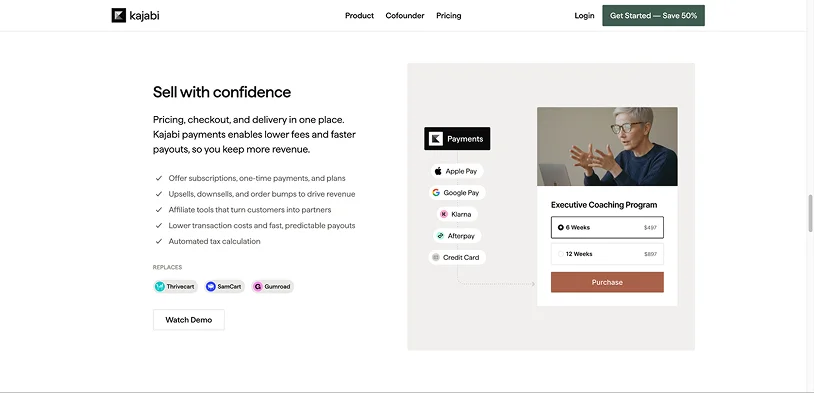
Typical costs include monthly subscription, plus payment processing, and sometimes extra transaction fees. For example:
- 5% platform fee,
- plus Stripe fee,
- plus subscription cost.
Some remove transaction fees only on expensive plans.
WordPress plugins for memberships usually provide more gateways and are cheaper, especially for scaling, because there is no platform revenue share in many cases.
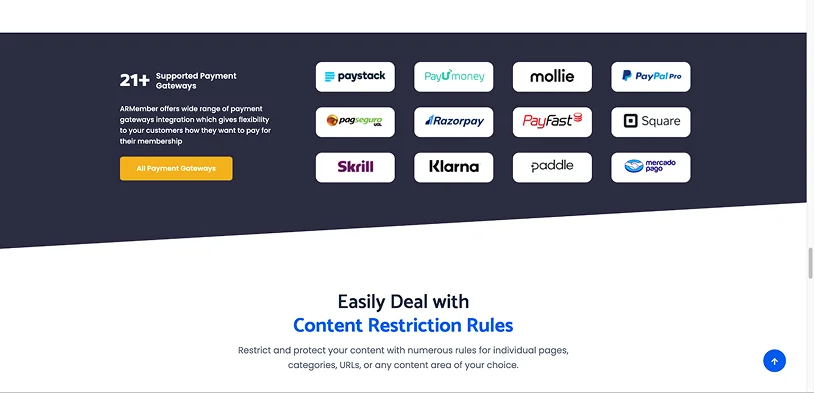
You typically pay for:
- hosting,
- plugin license,
- Stripe/PayPal processing only.
Let’s take an example with the $100k/year membership revenue. A hosted platform taking 5% means $5,000/year extra. WordPress avoids that completely.
There are also cost structure differences. Hosted platforms usually mean higher recurring operational cost, because you need to pay for convenience, support, and infrastructure.
Just take a look at pricing plans of hosted membership platforms to see that their pricing often scales aggressively as business grows.
WordPress comes with higher setup complexity, but lower long-term platform cost. You still need to pay for hosting, premium plugins (only if you need updates), developer help, and maintenance. But since prices don’t normally scale the way hosted platforms do, WordPress is better for large content libraries, many members, and high recurring revenue.
Scalability Differences
Scaling is technically very well managed by hosted platforms (obviously, because their infrastructure is managed).
But that comes with a cost because pricing often scales too, customization limitations become more noticeable, and platform dependence increases.
WordPress scales very well if properly engineered through quality hosting and the right membership plugins license. On the other hand, poorly configured WordPress membership sites can become unstable under heavy load. So, again, WordPress requires a lot of manual control.
Example Comparison: Kajabi vs ARMember
Kajabi is a hosted all-in-one platform, which ships with many nice tools for memberships, including courses, email marketing, landing pages, funnels, checkout, hosting, etc. The proper hosted membership platform!
ARMember is the WordPress membership management plugin that also offers the full kit – subscriptions, content dripping, recurring billing, content restriction, courses, paywalls, and tons of integrations.
But Kajabi or ARMemember: how to make a choice?
| Feature | Kajabi | ARMember |
| Strengths | -Very fast setup -Excellent UX -Low technical burden -Strong marketing tools -Good for creators/coaches -Reliable infrastructure |
-Much more ownership -Lower long-term cost -Flexible -Strong WordPress ecosystem -Better SEO potential -Full control over website |
| Weaknesses | -Expensive -Less flexible -Platform lock-in -Limited deep customization -SEO limitations compared to -WordPress -Scaling cost increases |
-Requires hosting -Requires WordPress management -More technical setup -Plugin conflicts possible -Maintenance responsibility -Depends on overall WordPress stack quality |
| Best For | -Non-technical business owners -Fast launches -Small-to-medium creator -businesses -Businesses prioritizing convenience |
-Businesses wanting control -SEO-focused businesses -Publishers/content businesses -Agencies -Long-term scalable brands -Businesses with custom requirements |
Can You Switch Between the Two?
Yes, and this is a practical reality. A lot of businesses actually use this model:
1) First, hosted platform
This means a fast launch, validating ideas, and getting the first customers.
2) Second, move to WordPress/custom stack
Your idea works if you want to reduce costs, be the boss of your SEO, customize workflows, and scale more efficiently.
That migration path is very common in online education, creator businesses, subscription publishers, and premium communities. However, remember that formats may differ and you’ll need to spend some time on converting the content to suit the new platform.
Final Verdict: Hosted Membership Platforms vs. WordPress Membership Plugins
Your preferred business model, the amount of time and money, and technical expertise decide.
Traditionally, modern hosted platforms are better suited if you want simplicity, convenience, and prefer your business model relatively standard.
On the other hand, a WordPress membership plugin like ARMember is a better choice in case you want ownership/control, already use WordPress (obviously), and want to implement an advanced SEO strategy. Plus, it can be useful if you want to need very deep customization, expect long term scaling, and lower platform fees as well as advanced integrations/workflows.
Time to make up your mind!
Related articles:

Share this post


