
Custom Login & Signup Form Builder
Create customizable login and signup forms with live form builder and add custom fields with ease.
It’s simple: Stunning forms make signing up a breeze… and keep your members coming back for more.
ARMember comes with a powerful built-in form builder that lets you create gorgeous customized registration, login, edit profile and password related forms, – all using a super simple visual drag and drop form editor.
No coding! No shortcode confusion!
Just design → customize → publish the way you want.
Why ARMember’s Form Builder Truly Stands Out
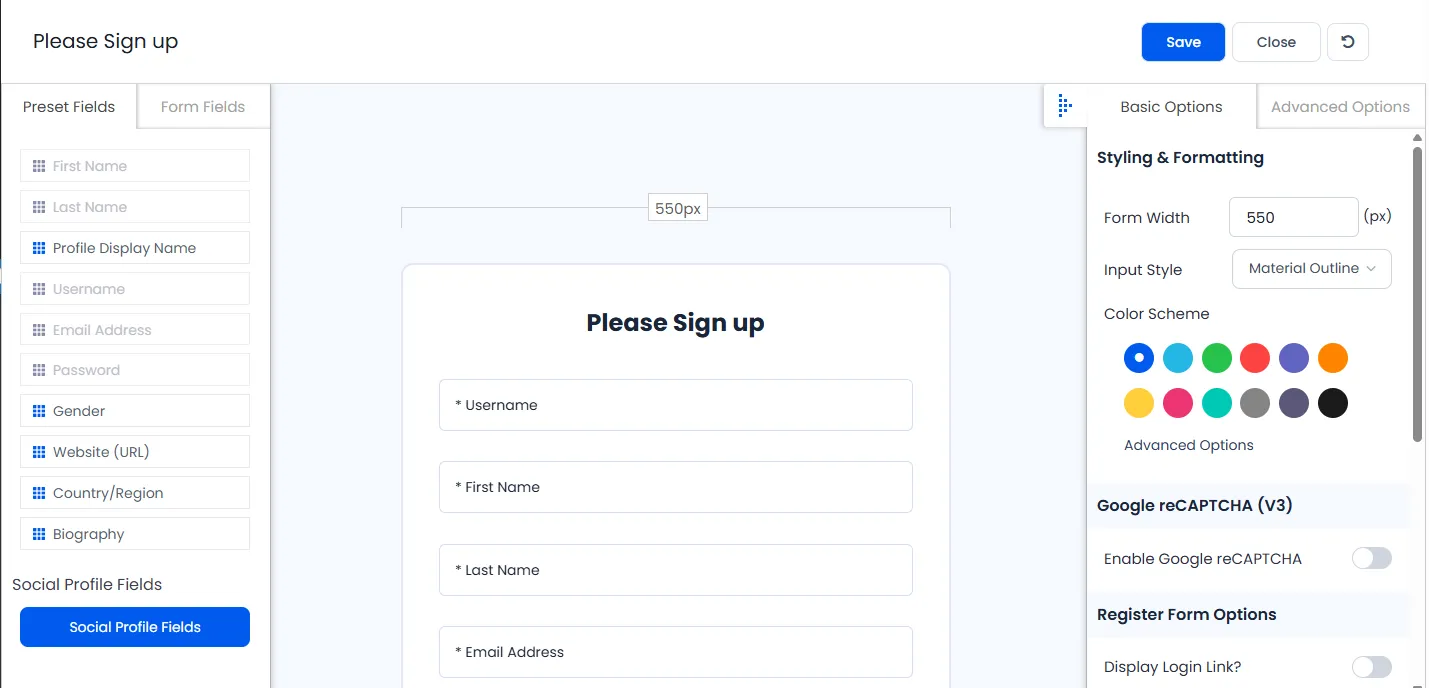
Say hello to stress free form creation! With ARMember, you’re not just building forms, you’re designing experiences for your members.
Build Forms Visually, No Code Required
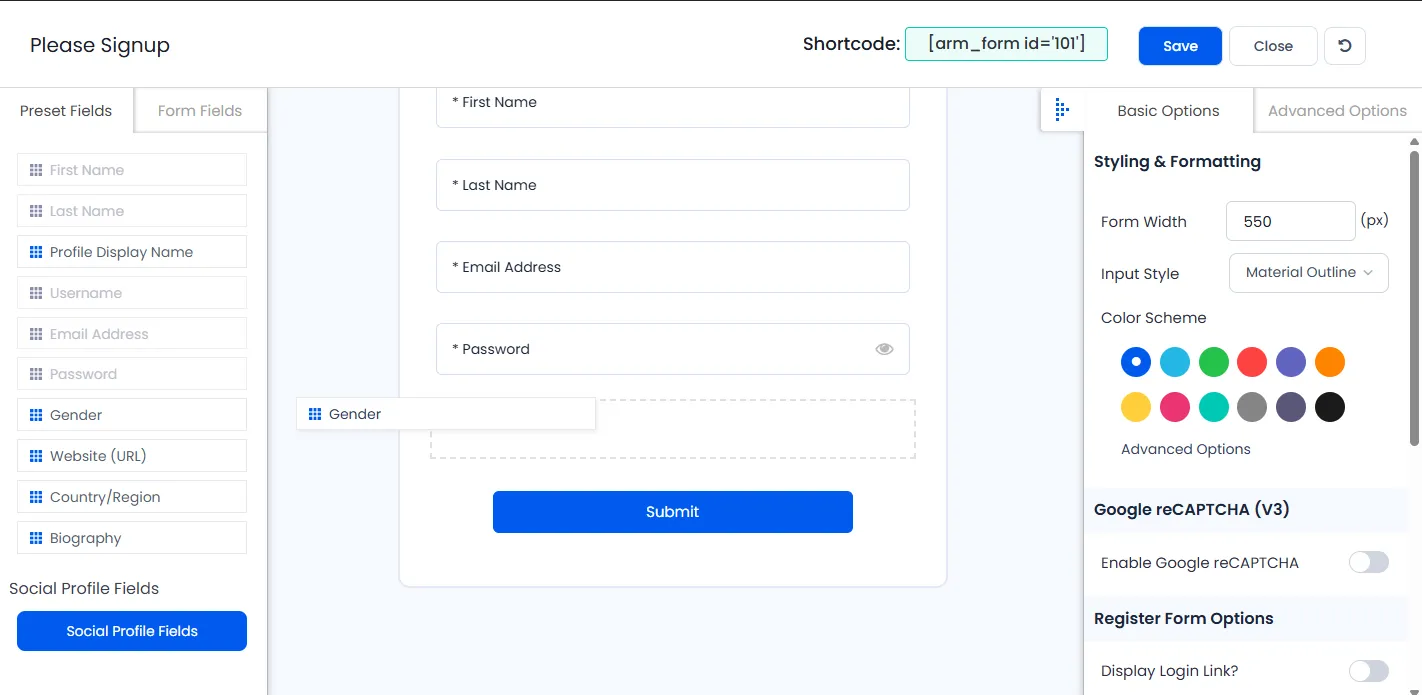
Create forms the way you want with ARMember’s Visual Drag & Drop Form Builder.
Just simply drag, drop, arrange, and publish.
One Plugin, All the Forms You Need for Your Memberships
ARMember supports every single online form you want for running a membership site:
Each form is managed separately with its own styling, options, and shortcode. So no chance for cross form confusion!
No Shortcode Hassles
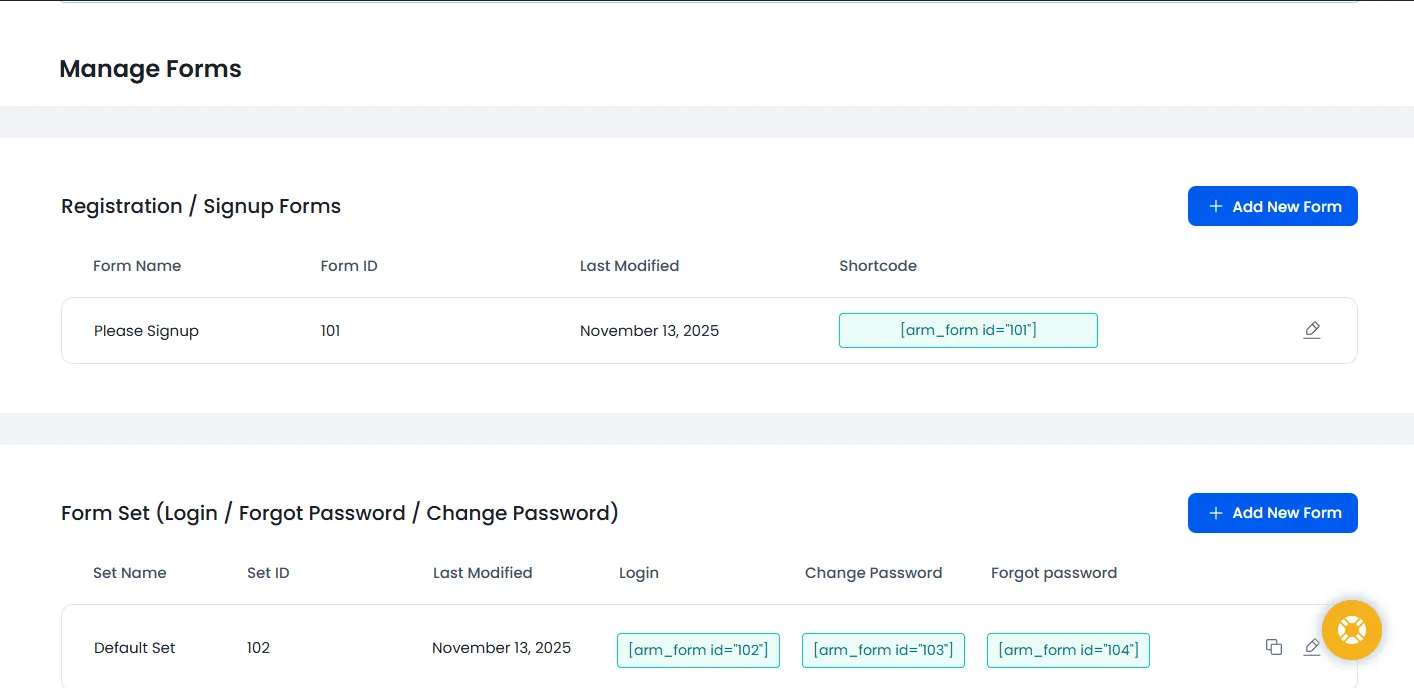
Each form you create comes with its own shortcode.
No hassle! No confusion!
All you have to do is simply paste it anywhere – page, post, popup, or sidebar widget of your WordPress site.
Add Custom Fields Like a Pro
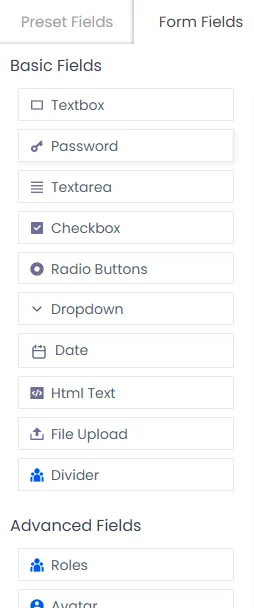
Create the exact form you need with the built-in custom fields like:
Now this is what we call “Perfect” for capturing unique data based on your membership plans.
Pre-Built Form Templates (New)
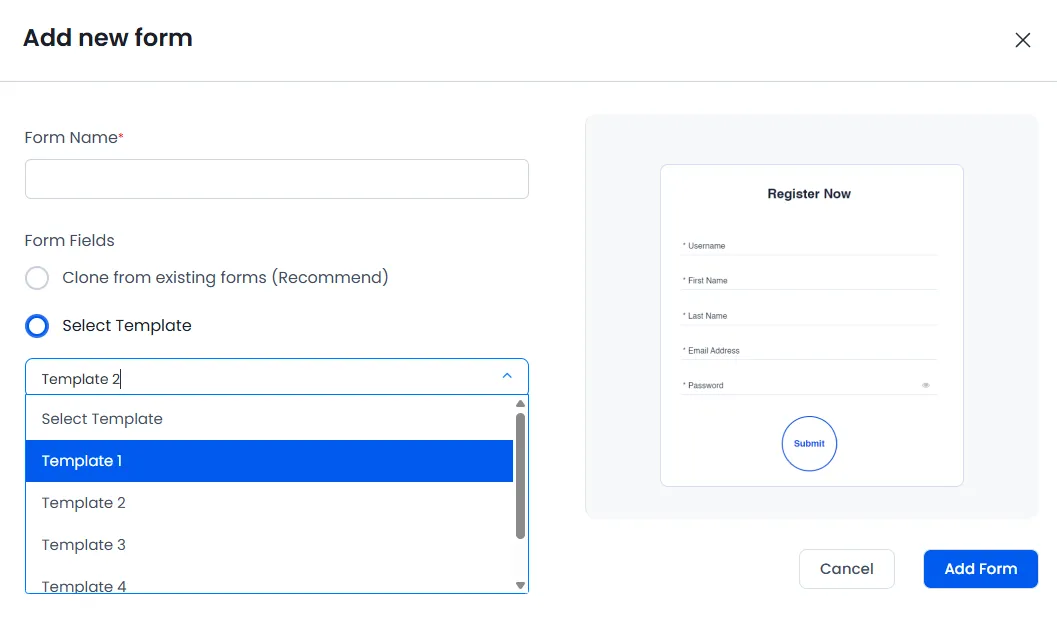
Start fast with professionally designed templates for:
Plus, customize as needed and save time without building from scratch.
Real Time Field Validation (New)
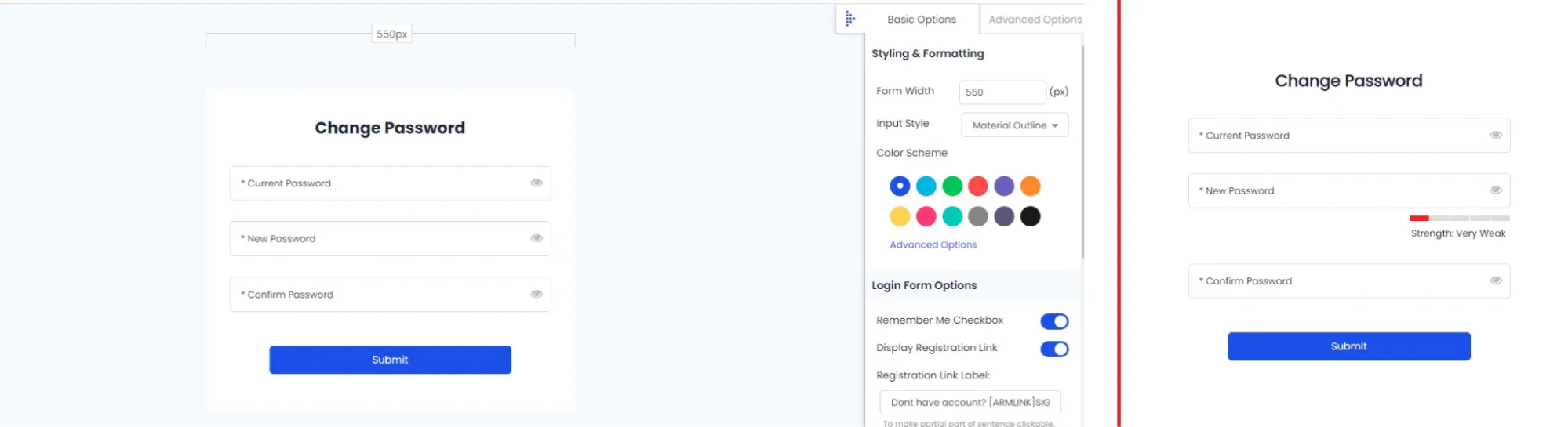
Want some good on-the-spot validations for form inputs? ARMember has got you!
ARMember supports on-the-spot validation for form inputs and immediate feedback to users:
Now is the time to say “Goodbye!” to frustrating form submissions with ARMember!
Style It Your Way – Live Preview
Make your forms that matches your brand’s style in real time using ARMember Style Editor with Live Preview
With ARMember Style Editor, you can customize:
Changes reflect in real time, so you can perfect the form design visually.
Advanced Functionalities to Level Up Your Membership Forms
Auto Login After Registration
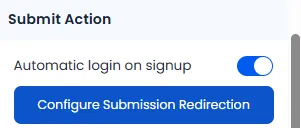
Want to make your users log in automatically again after signing up? With ARMember, allow your users to log in after they sign up for a smooth onboarding experience.
Auto-Approval, Manual Approval, or Email Verification
Decide your own way of approvals.
Take full control of how members are approved:
Now you decide what works best for your membership model.
Smart Redirection Rules
Let’s be smart and just simply redirect users for a more personalized experience!
After filling up login or registration form, you can redirect users to:
Built-in Google reCAPTCHA
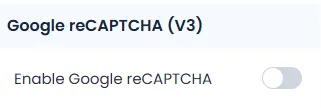
Time to keep the bots away from your membership forms. ARMember integrates smoothly with Google reCAPTCHA v3 to keep your forms spam free.
Integration & Developer Hooks Ready for Smarter Workflows
Email Marketing Made Easy
Let’s turn every form submission into a lead!
ARMember lets you auto-sync user emails with top most popular email marketing platforms like:
Build your email lists, send campaigns and grow your membership business with ARMember.
Built for Developers Too
Need something custom? ARMember comes with webhooks and action hooks. Now every developer can easily extend functionality and integrate third party tools. Plus, It’s super flexible, powerful, and built for creators who like to go beyond the core basics.
Smart Use Cases for ARMember Form Builder
| Use Case | Benefit |
| Create dedicated signup form per plan | Collect plan-specific information |
| Add forms to sidebars or popups | More signups through multiple entry points |
| Custom edit profile forms | Allow members to manage their personal information |
| Run onboarding funnels | Redirect based on plan or role |
Forms That Fits Every Membership Site
ARMember’s Form Builder is built for flexibility. Whether you’re building a :
ARMember makes user onboarding smooth, fast, and beautifully designed.
The best part? It’s all inside your membership plugin. No extra separate form tools or dealing with compatibility issues!
Just one plugin! All the forms you need! Zero hassle!
Form Shortcodes Reference You Must take a Glance at:
| Form Type | Shortcode |
| Registration Form | [arm_form id="X"] |
| Login Form | [arm_form id="X"] |
| Edit Profile Form | [arm_form id="X"] |
| Change Password Form | [arm_form id="X"] |
| Forgot Password Form | [arm_form id="X"] |
Replace X with your form ID
FAQs
1. What is the ARMember Form Builder used for?
With ARMember Form Builder, you can create registration, login, password reset, and edit profile forms with ease for your membership site. Plus, No coding is needed with its simple drag and drop interface.
2. Can I build custom signup forms with ARMember?
Yup, absolutely ! You can easily build and fully customize your own custom signup form’s layout and style to match with your website’s look and feel using ARMember.
3. Can I create a custom login form for my membership website?
Yes, Of Course! You can create a custom login form for your membership website using ARMember. ARMember comes with a powerful built-in form builder and many custom login form samples to kick start your membership form right away.
4. Is it possible to preview the form before publishing it?
Absolutely, YES! The form editor includes a live preview feature. Further, you can see exactly how your form will appear to users before embedding it on your site.
5. Can I create different forms for different membership plans?
Yes, you can create different types of forms for different membership plans with no fuss. ARMember allows users to create unlimited membership plans with different access rights and prices.
6. Does ARMember Form Builder integrate with email tools?
Yes, ARMember form builder can be integrated with over 15+ email marketing tools such as ActiveCampaign,Campaign Monitor, Mautic, MailPoet, MailChimp and many more.
7. How to make a user auto login using ARMember custom form builder?
You can make a user auto login by enabling auto login from the form settings in ARMember. Once enabled, users will be automatically logged in right after completing your custom signup form for smoother onboarding.