



If you are looking for a website text editor for your membership website, then here’s the deal. From ideation stage to publishing, there are a bunch of content editing tools that would support you to create membership site content.
And hey, there’s no gatekeeping here. This blog contains a categorized list of the best writing editing software. These are personally used by me to aid my writing journey on a regular basis. I definitely swear by some of these writing editing software.
Let’s go through the journey of content creation for membership sites by exploring tools that aid each stage. Here, you’ll get free, freemium, and paid options to explore. I swear, after this, all your membership site content planning and creation is going to glide smooth as a butter!
Keyword Research Tools for Website Content Ideas
You need a topic, a keyword to start your content writing. You need to look for most sought out queries based on the niche of your membership site. Here is a list of tools that would help you come up with amazing ideas for your next piece of content.
Ahrefs Keyword Generator (Freemium):
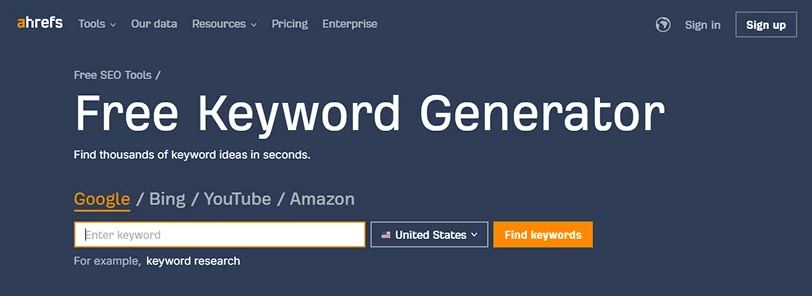
If you have certain words in mind, Ahrefs Keyword Generator will help you validate it. How? Well, add your keyword in the search bar, choose the platform, and country.
It will quickly show you the volume of your entered keyword along with others suggested ones. It is a freemium tool and to unlock its extensive features, you need to pay $129/month for a Lite version.
Google Keyword Planner (Free):
Okay, now this is my personal favorite tool. It is a completely free tool. You just have to create your Google business and Ad account to access it. Here, you can get hundreds of keyword ideas based on your thoughts, analyze competitors’s keywords, generate ideas, and a lot more. You can even forecast the search volume a keyword might get.
All in all, Google Keyword Planner is one of the best content editing tools that helps kickstart your membership content journey.
Google Trends (Free):
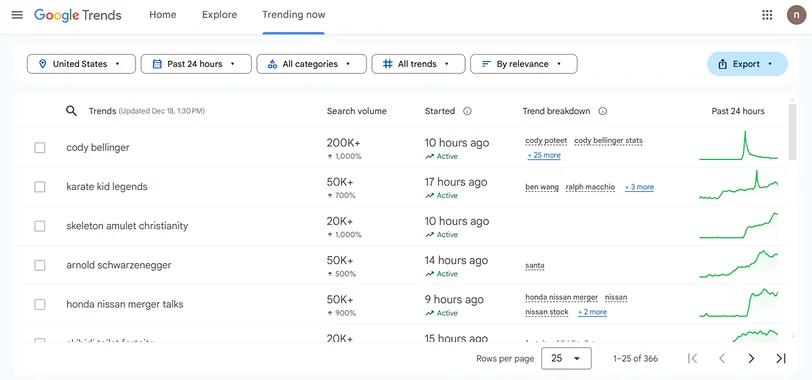
Google Trends is another such free tool that works wonders. If you feel you are too bogged down by work to stay updated with trends, this tool is for you.
You can search any word and look for its trend. You can even explore the recent trending topics and read about them. Adding this to your website text editor tools list will be a wise decision for sure.
Answer the Public (Freemium):
Answer the Public lets you explore audience questions across various platforms like Google, Bing, YouTube, TikTok, Amazon, and Instagram. It’s pretty simple. You just add a couple of words and get a detailed analysis of questions that the audience is asking. Based on that, you can take content ideas.
These content editing tools are your starting point in the content creation journey. You can look for most asked questions, user search intent, burning or trending topics around your membership site idea. Now, let’s move to the next stage of the membership site content creation process.
Best Content Writing Tools for Membership Site Success
Next is writing the content. Once you have a keyword and a topic idea, you move ahead to jotting down your thoughts.
Pro Tip: Use any of the AI tools like ChatGPT or Jasper AI. Prompt them with a rough idea and keywords. These tools would help you come up with an approach and outline for the topic at hand. You can further build on that sketch or outline.
Notion (Freemium):
Notion is perfect for organizing your content ideas. It helps you take notes, write content, and manage multiple projects simultaneously from a dashboard. You can collaborate with your membership site management team for content editing in real-time and keep a check on overall content progress.
Google Docs (Free):
Who doesn’t know about Google Docs, right? This collaborative cloud based writing tool mimics Word doc with added features. It autosaves your work and allows multiple privacy and sharing options. You can add images, charts, drawings, graphs to enhance your membership content.
OneLook Thesaurus (Free):
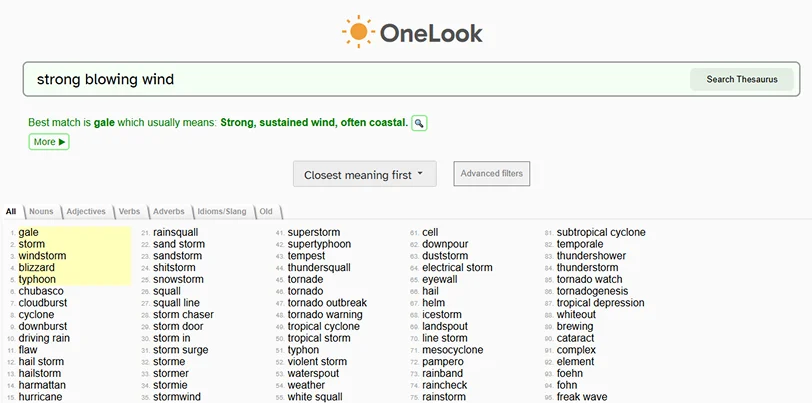
Do you ever wonder if your words truly resonate with your audience? Or are you stuck with an idea but don’t know the word to express it? OneLook Thesaurus must be your go to content editing tools. It is a reverse dictionary that allows you to explain your idea. Based on that, it will come up with synonyms, related words, phrases, and even antonyms if you need.
If you are looking for free website editor software, all these three options are your best bet. They are easy to use, intuitive, and provide all the crucial content writing features for free!
Now, moving on to content editing tools to enhance content of membership business.
Top Content Editing Tools to Perfect Your Writing
When you start jotting down your thoughts and ideas, you might make a few mistakes here and there. You need writing editing software to help you edit your content’s language and grammar.
Why is it important? Well, your writing should be readable, understandable, and have a proper structure. With these tools you can edit articles online pretty easily.
Grammarly (Freemium):
Grammarly is a well known name to check grammar, spelling, and tone errors. You can copy-paste your content or add its chrome extension to correct grammar while you type in real time. It has an advanced plan that gives style and clarity suggestions.
Hemingway Editor (Freemium):
Hemingway is one of the amazing content editing tools. It highlights complex words and sentences so that your readability score is high. It helps with clear and concise writing.
Frase (Paid):
This paid tool is a great proofreading software for writers. If you are looking for content optimization tips with keyword analysis, opt for Frase.
Outwrite (Freemium):
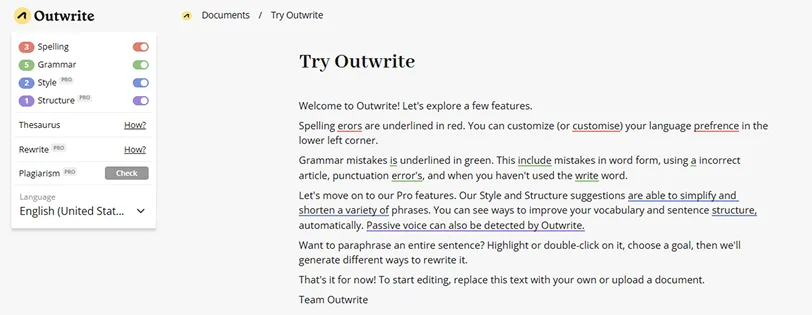
Outwrite provides you with grammar suggestions along with sentence structure. Its advanced editing features help you write membership site content with flair.
Typely (Free):
If you want a hassle free tool for membership site content editing, use Typely. This proofreading tool doesn’t require login and is highly focused on content clarity. Overall, this tool helps enhance your content’s readability.
Surfer SEO (Paid):
Surfer SEO content editor is a paid tool with multiple functionalities. This tool is focused on content optimization to help your work rank better. It provides you suggestions for keyword placement, content structure, and other suggestions. If you have a budget, then this is an all rounder content editing tool to support membership site content strategy.
Free and Paid Tools for Adding Visuals to Website Content
Apart from focusing on web content editor, you must look out for visuals or images. Membership business content needs to be dynamic and engaging, it can’t be all plain and generic. It must include some images, infographics, charts, and graphs. It breaks the monotony of content and piques reader’s interest.
Freepik (Freemium):
Freepik offers a wide range of photos, vectors, illustrations, and stock images. There are free as well as premium images to choose from. You can download svg or ai files and even edit the vectors or stock photos to suit your membership site content.
Unsplash (Free):
Unsplash has a collection of royalty free stock images. You can add this to your content editing tools as these images can be used for commercial and personal purposes.
Bing Images (Free):

Bing image search is my favorite webpage editors tool. You can use its filter options to get license free images, license free images that can be used commercially, and multiple other options.
Canva (Freemium):
Canva is a design tool with robust features available in free version. You can use templates to create blog headers, infographics, charts, and even social media graphics. If you love adding a personal touch to your membership site images, this content editor software for images is best.
Plagiarism Checkers to Ensure Originality in Content
Plagiarism checkers are a part of content editing tools and a crucial one at that. If your content lacks originality, it won’t rank well, and members may not see the exclusive value in your offerings. This could impact retention and diminish the community you’ve worked hard to build.
Duplichecker (Free):
Duplichecker helps you check 1000 words with each search and provides exact and partial plagiarism results. It also provides a rewrite feature to aid your content editing journey.
Copyscape (Paid):
This is a paid tool that offers detailed reports. It is an industry standard tool that is suitable for professional use and researchers.
Quetext (Freemium):
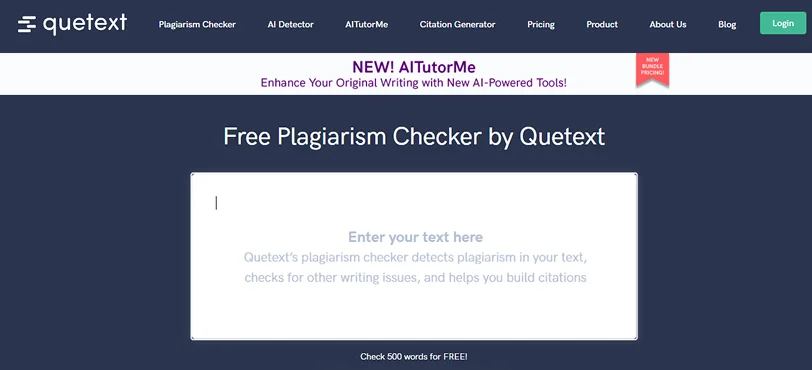
Quetext plagiarism detection tool offers free and premium options. You can easily use the online content editor tool free to get insights on plagiarism.
These website text editors for plagiarism must be a part of your content editing tools list. This step is crucial before you hit that publish or send button. It ensures uniqueness and helps your membership site content stand apart.
Use the Online Website Text Editor for Membership Sites
Content creation should be an enjoyable and smooth process. When you are catering to your members, the content must be engaging and on point. For that, follow these stages and implement the content editing tools at each stage.
- Use the keyword research tools and come up with refreshing ideas.
- Use writing tools to jot down your notes, ideas, and content.
- Leverage best webpage editor tools for content editing.
- Add Images and Infographics to enrich your content.
- Plagiarism content editing tools to ensure originality and quality.
Using these stages, you can create engaging, original, and SEO friendly content for your membership site. Content enriched like this will keep your members hooked.
Related articles:

Share this post


