


You can optimize your images, clean up your database, and even install a caching plugin, but your WordPress website can still feel slow to visitors who are far away from your hosting server.
That’s because website speed is also about how quickly your content can travel to the person requesting it, not only about how well your WordPress site is optimized.
A CDN shortens that distance by delivering your content from servers closer to your visitors. But, CDN providers differ a lot in their performance, features, pricing and security options.
Being a WordPress site owner ourselves, we’ve used various tools and CDN services over the years. We’ve learned a lot about which one works (and which ones aren’t worth the headache).
Thus, we’ve created this guide to save you time and make it easier to find, compare, and choose the right CDN provider for your WordPress site.
TL;DR: A CDN helps speed up WordPress by serving cached content from servers closer to your visitors. The best CDN depends on your needs: Cloudflare for security and global coverage, Bunny.net for affordable performance, CloudFront for AWS users, and QUIC.cloud for LiteSpeed-based WordPress sites.
Best CDN Providers for WordPress at a Glance
If you want to get straight to the point, here’s a quick look at our top picks for the best CDN providers.
| Rank | CDN Provider | Best For | Starting Price | Free Plan |
| 1 | Cloudflare | Security & global coverage | $0 (Free); Pro from $20/mo | ✅ Yes (generous) |
| 2 | Bunny.net | Affordable performance | $0.01/GB (NA/EU); $1/mo min | ❌ No (14-day trial) |
| 3 | Amazon CloudFront | AWS users & scalability | $0.085/GB (US); 1 TB/mo free for 1 year | ✅ Yes (1-year free tier) |
| 4 | Fastly | Developers & advanced control | Usage-based (~$0.12/GB) | ✅ Limited |
| 5 | KeyCDN | Simple CDN setup | $0.04/GB (first 10 TB) | ❌ No (14-day / 25 GB trial) |
| 6 | Sucuri | CDN + security | $229/yr (Basic Platform) | ❌ No |
| 7 | CDN77 | High-traffic & media sites | ~0.049/GB; min ~$199/mo | ❌ No (14-day / 1 TB trial) |
| 8 | Gcore | Global coverage, EU-friendly | €0.01/GB after 1 TB free/mo | ✅ Yes (1 TB free/mo) |
| 9 | RocketCDN | Easy WordPress setup | $8.99/mo (flat, unlimited) | ❌ No |
| 10 | Imperva | Enterprise security & DDoS | Custom (enterprise) | ❌ No |
| 11 | CacheFly | Video & large files | $299/mo (10 TB included) | ✅ Limited |
| 12 | QUIC.cloud | LiteSpeed WordPress sites | $0 (Free); Standard from $0.02/GB | ✅ Yes (limited PoPs) |
What Is a CDN Provider?
A CDN (content delivery network) provider is a company that operates a worldwide distributed network of proxy servers to deliver website content faster and more securely to visitors.
In simple words, A CDN provider is a company that owns a global network of servers. Thus, a CDN is just a group of servers spread around the world that stores copies of your website’s files, including things like images, CSS, and JavaScript.
Let’s say your website lives on a single main server (original server). If a user lives far away from that server, the data takes long to travel which makes your website slow for those users.
By using a CDN service, you let the provider place copies of your website’s file (like images, videos and text) on many smaller servers, called edge servers, scattered all around the world.
This way, when a user visits your site, the CDN automatically detects where they are and sends the website files from the closest edge server. This shortens the physical distance the data must travel, lowering the loading times and avoiding the crashes during traffic spikes.
Why Use a CDN Service for WordPress?
So, you know what a CDN provider does. But why should you actually use one for your WordPress website?
A CDN is mostly known for making websites faster, but there is more to it than just loading speed. It can also lower the work your main server needs to handle, improve the experience for visitors in different locations and give you some useful security benefits.
From our experience running multiple WordPress sites for over a decade, these are the main reasons why we find CDN services useful.
Faster Content Delivery
Let’s start with the most obvious one: speed.
Whenever someone visits your site, their browser needs to download different files.
Let’s say your WordPress website site is hosted on a server in the US and your visitor is in the UK. The data has to travel a much longer distance before the visitor gets it.
This is where a CDN can help. It sends the cached content from an edge server closer to the visitor, lowering the physical distance the data needs to travel and can help your content load faster.
Better Performance for Global Visitors
Where are most of your visitors coming from? If almost everyone is located close to your hosting server, you will simply not notice a difference after adding a CDN.
However, if your audience is spread across the US, Europe, Asia, Australia and other regions, even a single CDN can cache your website across multiple edge locations. Thus when someone visits your site, the CDN can serve cached content from an appropriate location closer to that visitor.
Lowers Origin Server Load
Your WordPress hosting server already has a lot of work to do.
It needs to run WordPress, process PHP requests, communicate with your database, run your plugins and theme, and handle dynamic parts of your website. Now dump thousands of requests for images, CSS, JavaScript and other static files. That’s a lot to handle!
That’s exactly why you need a CDN service to take some of this workload.When the requested content is already cached, the visitor doesn’t necessarily need to request that file from your origin server again.
It doesn’t replace your hosting server, of course. Your WordPress website still needs it for dynamic content and other important processes. But your origin server doesn’t have to handle everything on its own.
Better Handling of Traffic Spikes
Have you ever had a blog post, promotion or social media campaign suddenly bring a lot more visitors than usual?
Traffic spikes can be difficult for a WordPress website to handle when your hosting resources are limited.
A CDN can help by serving cached content from its distributed network. So if thousands of people suddenly want to access the same images, CSS files, JavaScript or other cached content, the CDN can handle it with no problem.
Of course, a CDN won’t magically fix poor hosting or an overloaded database. Dynamic requests still need to reach your origin server. But when a large part of your website can be served from the CDN, it can lower the pressure during busy periods.
Security Benefits
Speed is probably the first thing you think about when someone mentions a CDN. But security is another reason why many WordPress site owners use one.
Depending on your CDN provider, you can get features such as:
- DDoS protection
- SSL/TLS
- web application firewalls (WAF)
- bot protection
- traffic filtering
These features can help recognise and block certain types of unwanted traffic before it reaches your origin server.
Potential Bandwidth Savings
Here’s another benefit that may matter depending on your website and hosting plan: bandwidth.
When a CDN serves cached content to visitors, your origin server doesn’t have to deliver that content every time.
Does Every WordPress Website Need a CDN?
Not at all!
If you have a small WordPress site, most of your visitors are located near your hosting server and your website already loads quickly, adding a CDN will not make a big difference.
But things become different when your audience is spread across multiple regions, countries or your website starts getting more traffic.
A CDN can be worth considering if:
- Your visitors come from different countries or regions
- Your website serves a lot of images, videos, CSS, JavaScript or other static files
- You regularly experience traffic spike
- Your origin server is handling a large number of requests
- You want additional security features such as DDoS protection or a WAF
- You want to improve content delivery for visitors who are far away from your hosting location
- You want Pops to serve your content from
There’s also no reason to add a CDN simply because you’re running WordPress.
Your hosting, caching, images, plugins, theme, database and website code all affect your performance. A CDN is only one part of that bigger picture.
If your site is already fast for your target audience, you don’t need one.
But if you’re serving visitors around the world or your origin server is struggling to keep up with your traffic, a CDN is worth most of the time.
How We Tested and Reviewed These WordPress CDN Providers
Choosing a CDN based only on its feature list is easy.
Almost every CDN provider can show you a long list of edge locations, security features, caching options and performance claims. However, what really matters is how the CDN service truly works when you actually have to use it with a WordPress site.
That’s exactly why we tested and reviewed 12 CDN providers and looked at how they perform from the perspective of WordPress site owners.
We considered things like setup, performance, caching, security, pricing, support and everyday usability. Thus here’s what we looked at:
- Performance: How quickly does the CDN deliver cached content? How does it perform for visitors in different locations? We tested the overall content delivery experience.
- WordPress Compatibility: A CDN can have plenty of advanced features but that doesn’t help much if connecting it to WordPress turns into a nightmare. Thus we only handpicked the CDN services that fit into a typical WordPress setup.
- Setup and Ease of Use: No matter whether you are a tech-savvy genius or just a beginner, a CDN must be easy to set up for all. Because once you’re managing a website every day, you don’t want to spend hours trying to figure out what one caching setting actually does.
- Caching Features: Caching is one of the most important parts of a CDN so we looked at the controls each provider gives you.
- Global Network: Also, we tested at the provider’s edge locations and geographic coverage.
- Security: Plus, our team of experts also verified the security features available with each provider like DDoS protection, WAF, SSL/TLS, bot protection and other traffic protection tools.
- Pricing: Whenever a WordPress site owner invests in any CDN for WordPress, the first concern is its performance, usefulness and….. price. No matter how good a CDN is, if it’s not in your budget, it’s not worth considering. Plus, pricing can get confusing with CDN services. Some providers offer free plans, while others charge based on bandwidth, requests, features, or usage.
- Support: We only handpicked the ones that offer proper documentation, knowledge bases and support channels to help you troubleshoot problems.
- Overall Experience: Lastly, we looked at what it’s actually like to use each CDN on an ongoing basis. Can you easily clear the cache? Are the settings understandable? Is the pricing easy to follow? Can you find the information you need when something doesn’t work as expected?
These things will not sound very important when you first pick a CDN. But when you’re running WordPress sites every day, they can have a much bigger effect on your workflow.
Our goal with this review is to show you what each CDN does well, where it may have limitations and what type of WordPress website it makes the most sense for.
12 Best CDN Providers That Speed Up Your WordPress Website (Expert Review)
1. Cloudflare
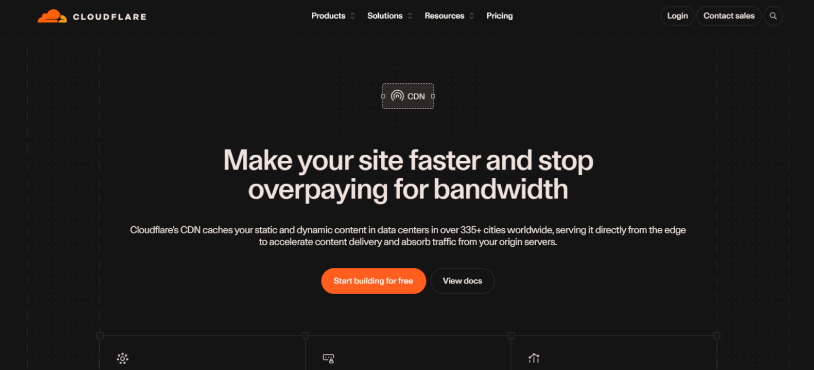
Best For: WordPress websites looking for a free CDN with powerful security and global coverage.
In our experience, Cloudflare is one of the most reliable CDN providers for WordPress. It’s like having a performance and security layer sitting between your website and your visitors. It can accelerate static assets such as images, CSS and JavaScript as well as more advanced caching options are there for dynamic content.
For WordPress, Cloudflare works through DNS configuration, and its WordPress integration can help with tasks such as cache purging and Automatic Platform Optimization (APO). Besides, its caching controls allows you create rules for how and how long content is cached.
Pros & Cons
| Pros | Cons |
| Free CDN plan available. | Advanced performance features need paid plans. |
| Global network with coverage across 335+ cities. | DNS based setup can feel technical for beginners. |
| Powerful DDoS protection and built-in security features. | Caching dynamic WordPress content requires careful configuration. |
| Easy integration with WordPress. | Free plan has limited customer support. |
| Powerful caching and performance controls. | |
| Useful analytics and cache management tools. |
Pricing: Cloudflare offers a Free plan at $0/month. The Pro plan starts at $20/month when billed yearly or $25/month when billed monthly.
Our verdict: Cloudflare is one of the best CDN for WordPress sites that want CDN delivery, security and extensive caching controls in one platform. Its free plan makes it good to go for smaller sites, and advanced WordPress and caching features give growing sites more room to optimize.
2. Bunny.net

Best For: WordPress websites looking for affordable CDN performance with flexible pay-as-you-go pricing..
In our review, Bunny.net is one of the most appealing CDN providers for WordPress sites that want next level performance – no need to commit to expensive plans. It offers a global network of 119 PoPs along with advanced caching, edge rules, real time monitoring, DDoS protection and instant cache purging.
For WordPress, Bunny.net is also relatively simple to set up and its CDN can be combined with its image, video and storage services if you need more than basic content delivery.
Pros & Cons
| Pros | Cons |
| Affordable pay-as-you-go pricing. | No free forever plan. |
| 119 global PoPs. | Pricing varies by region. |
| Advanced caching and edge rules. | Some advanced features need technical knowledge. |
| Built-in DDoS protection. | |
| Instant cache purging. | |
| 14 day free trial. |
Pricing: Bunny.net uses pay-as-you-go pricing starting at $0.01/GB in Europe and North America with a $1 monthly minimum.
Our Verdict: Bunny.net is one of the best CDN services for those who want a good balance of performance, features and affordability. Its simple pricing and wide network make it good for small businesses and growing websites.
3. Amazon CloudFront
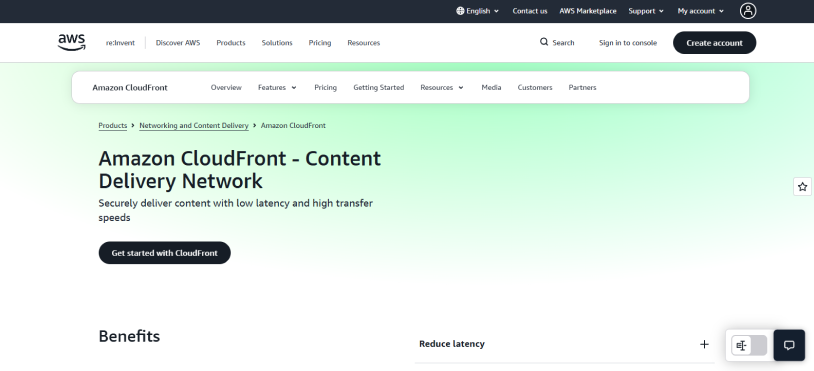
Best For: WordPress websites already using AWS or businesses that need a highly scalable CDN.
Next on the list is none other than the official Amazon CDN: Amazon CloudFront, a powerful CDN built for websites and applications that need reliable content delivery. It uses 750+ globally distributed PoPs with intelligent routing and it supports static and dynamic content, APIs, video and other high traffic workloads.
Apart from this, CloudFront works closely with the wider AWS ecosystem, giving you access to features such as AWS WAF, DDoS protection, logging and edge computing. However, the platform offers a lot of configuration options thus it can feel more complicated than beginner focused CDN providers.
Pros & Cons
| Pros | Cons |
| 750+ global PoPs. | More technical setup. |
| Strong AWS integration. | Pricing can be difficult to understand. |
| Supports static and dynamic content. | Better suited to technical users. |
| Built-in DDoS protection with AWS Shield Standard. | |
| Edge computing capabilities. | |
| Scales well for high-traffic websites. |
Pricing: CloudFront offers both pay-as-you-go pricing and flat-rate plans. Its current flat-rate plans start at $0/month with paid plans starting at $15/month; pay-as-you-go pricing depends on usage and region.
Our Verdict: Amazon CloudFront is a fantastic CDN service for WordPress websites already using AWS or businesses that need advanced scalability and control.
4. Fastly
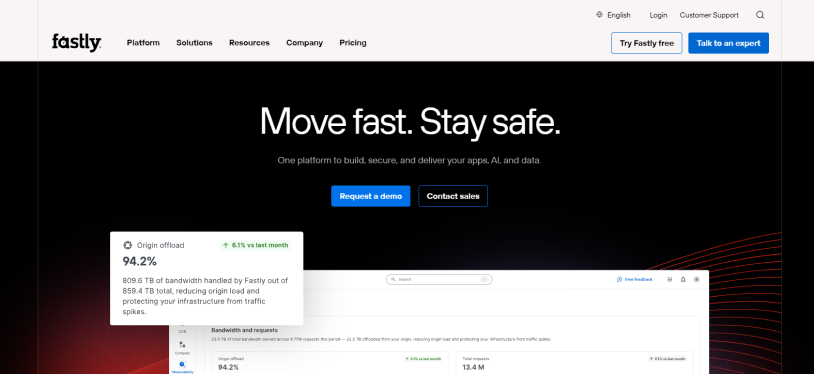
Best For: Developers and businesses that need more control over dynamic content and CDN configuration.
When we were testing CDNs on our WordPress demo site, Fastly stands out because of its developers extensive control over how content is delivered. It supports dynamic and event driven content, real-time configuration changes, instant cache purging and detailed observability tools. All these makes it a best CDN for complex websites and applications.
On top of that, Fastly offers built-in security, Origin Shield and programmable edge capabilities. What really impressed our team is the level of control it offers when you need to make frequent caching or delivery changes.
Pros & Cons
| Pros | Cons |
| Full control over CDN configuration | Complex for beginners. |
| Dynamic and event-driven content | usage based pricing. |
| Instant cache purging | Advanced features require technical knowledge |
| Real time analytics and logs | |
| Programmable edge capabilities | |
| Built-in security features |
Pricing: Fastly offers 100 GB of free bandwidth and 1 million free requests. After that, CDN bandwidth is billed by region starting at $2.50 monthly for 100,000 – 1 Million requests and $0.12 for per GB bandwidth for North America and Europe.
Our Verdict: Fastly is one of the best options for developers and larger businesses that need advanced control over caching, dynamic content and edge delivery.
5. KeyCDN
Best For: Small and growing WordPress websites looking for straightforward pay-as-you-go CDN pricing
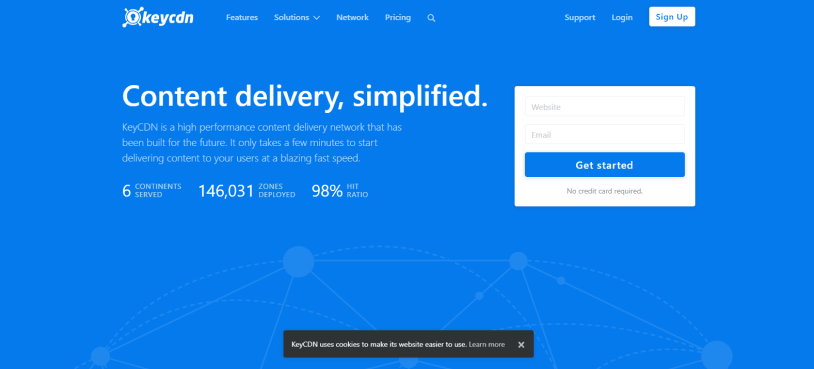
This is another one of the top CDN services for those who want a simple CDN with no long term commitments. Supporting amazing security features like instant cache purging, Origin Shield, DDoS protection, HTTP/2 and image processing, you can connect it to WordPress using the CDN Enabler plugin.
Another thing we like about KeyCDN is its transparent pricing. You pay according to the bandwidth you use, and there are no separate HTTP or HTTPS request charges, which makes it easier to estimate your CDN costs.
Pros & Cons
| Pros | Cons |
| Transparent pay-as-you-go pricing. | Basic Caching Controls. |
| Easy Setup . | No Free Tier . |
| Affordable pricing . | Smaller Network . |
| Instant cache purging. | |
| Origin Shield and DDoS protection. | |
| 14 day free trial. |
Pricing: KeyCDN starts at $0.04/GB in North America and Europe for the first 10 TB. And for Asia and Oceania, it starts at $0.08/GB. There is a $4 monthly minimum and a $49 minimum payment.
Our Verdict: KeyCDN is a good CDN provider for WordPress users who want transparent pricing and an easy way to control their CDN without paying for a large monthly plan. It is particularly suitable for smaller websites with predictable bandwidth needs.
6. Sucuri
Best For: WordPress websites that want a CDN and website security together.
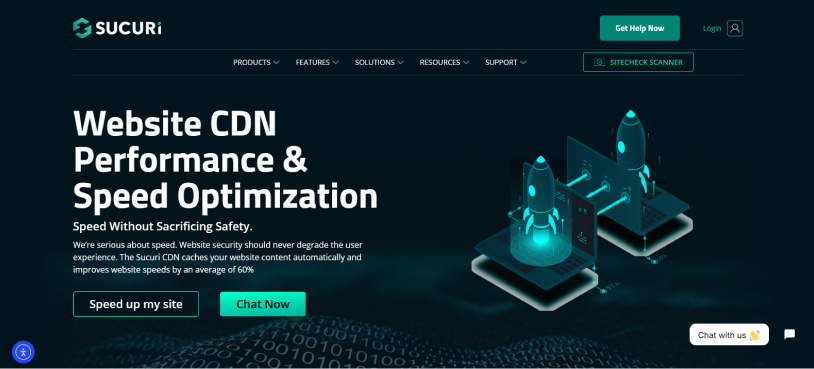
In our review, Sucuri is different compared to other CND providers (in a good way, of course) because its CDN is part of a broader website security platform.
Along with content delivery, it provides features such as a Web Application Firewall, DDoS protection, malware protection and website monitoring, making it useful for businesses that want performance and security in one service.
The best part? Sucuri offers multiple caching options which allows you to pick how aggressively your content should be cached. What we even like is that its CDN and security features are managed together, although this also means you are paying for a broader security solution rather than a CDN alone.
Pros & Cons
| Pros | Cons |
| CDN combined with website security. | Not a CDN-only service. |
| Web Application Firewall. | Basic DNS Controls. |
| DDoS protection. | Less CDN focused controls than some competitors. |
| Malware protection and monitoring. | |
| Automatic caching. | |
| SEO boosts. |
Pricing: Sucuri currently offers security platform plans starting at $229/year with separate Firewall with CDN plans available as well.
Our Verdict: Sucuri is worth considering when website security is just as important as CDN performance. If you only need a lightweight CDN for WordPress, a dedicated CDN provider can be a better fit.
7. CDN77
Best For: Businesses handling large volumes of traffic, media and global content delivery.
Are you searching for a performance focused CDN built that can handle a big amount of traffic? Then look no further!
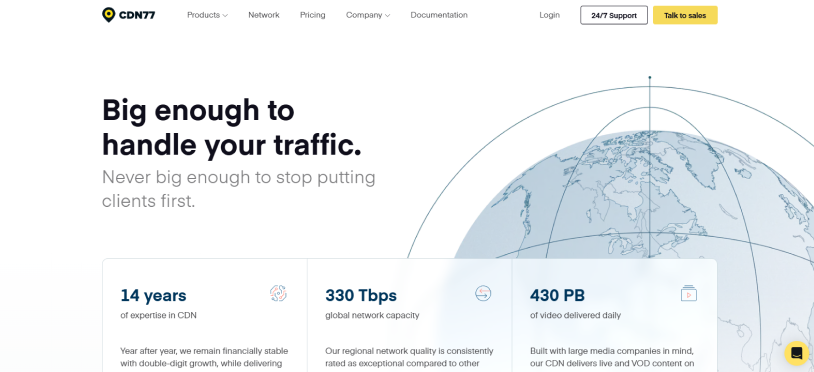
CDN77 is the one for you. It operates a global network with a 330 Tbps private backbone and gives features such as advanced DDoS protection, content protection and tools optimized for video delivery.
CDN77 is interesting for websites that deliver large files, video or other bandwidth-heavy content. Best of all. Its interface is more business focused than beginner oriented CDN services. Thus it makes more sense when your website has substantial traffic or more demanding delivery requirements.
Pros & Cons
| Pros | Cons |
| 330 Tbps global network. | Pricing is high for small websites. |
| Strong video delivery capabilities. | Not designed primarily for beginners. |
| Advanced DDoS protection. | Growth plan need a large traffic commitment. |
| 24/7 technical support. | |
| Slack Connect support. | |
| Global PoP coverage. |
Pricing: CDN77’s current Growth plan costs $990/month and includes up to 250 TB of monthly traffic.
Our Verdict: CDN77 is the best-fit to businesses with good traffic, video delivery needs or large files than to a small WordPress blog. Its infrastructure and support become more valuable as your content-delivery requirements grow.
8. Gcore
Best For: WordPress websites that want global coverage with a generous free CDN allowance.
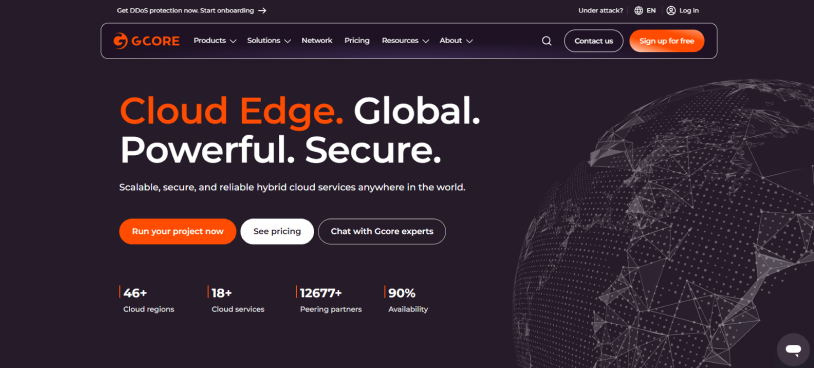
Gcore is also a cool CDN for sites that need wide geographic coverage. Its network now includes 210+ PoPs and its WordPress integration lets you connect the CDN via a dedicated plugin or by routing your website through Gcore nameservers.
Best of all, when we tested Gcore, we liked that its current pay-as-you-go system gives customers access to its global network while including the first 1 TB of traffic free every month. Plus, it even includes features such as free TLS certificates, DDoS mitigation and CDN management through its API.
Pros & Cons
| Pros | Cons |
| First 1 TB of traffic free every month. | Advanced features require technical knowledge. |
| 210+ PoPs. | Pricing varies by traffic level and region. |
| WordPress plugin available. | |
| Free TLS certificate. | |
| Built-in DDoS mitigation. | |
| API and analytics support. |
Pricing: Gcore’s current CDN PAYG plan includes the first 1 TB free every month. Traffic above 1 TB starts at €0.01/GB with lower rates at very high traffic volumes.
Our Verdict: Gcore is an interesting CDN for those who want global CDN coverage without paying a monthly subscription from the start. Its free 1 TB allowance makes it really attractive for websites with moderate traffic.
9. RocketCDN
Best For: WordPress users who want a simple CDN with minimal configuration
RocketCDN is one of the easiest CDN services to set up for WordPress because it automatically applies its settings after you connect your website. Thus you can start delivering your content with no long list of technical options.
Apart from this, RocketCDN also uses a simple flat rate model with unlimited bandwidth and global PoPs. What we especially like is its straightforward approach, although that simplicity comes with fewer customization options than developer-focused CDN providers such as Fastly or CloudFront.
Pros & Cons
| Pros | Cons |
| Very simple setup. | Fewer advanced customization options. |
| Automatic CDN configuration. | No free trial. |
| Unlimited bandwidth. | One domain per subscription. |
| Global PoP coverage. | Less flexible than developer focused CDNs. |
| WordPress integration. | Fixed monthly pricing. |
Pricing: RocketCDN costs $8.99/month or $89.99/year when billed yearly. Each subscription covers one domain and includes unlimited bandwidth and global PoPs.
Our Verdict: RocketCDN is the right fit for those who care more about simplicity than advanced CDN controls. It makes sense for website owners who want the CDN settings handled for them.
10. Imperva

Best For: High-traffic websites that need CDN performance combined with advanced security
Imperva Secure CDN combines intelligent caching, load balancing, automated failover and global content delivery with its broader Web Application and API Protection platform. Thus, it is right-fit for WordPress-based businesses that need performance and security together.
When we tested it, Imperva easily supported both static and dynamic content while offering tools for controlling traffic during demand spikes. However, its enterprise features and custom configuration make it less attractive for a small WordPress website that simply wants an affordable speed boost.
Pros & Cons
| Pros | Cons |
| CDN and advanced security in one platform. | Better suited to enterprise websites. |
| Intelligent caching. | Pricing is not publicly listed. |
| Load balancing and automated failover. | Can be complex for smaller websites. |
| DDoS and WAF protection. | |
| Supports dynamic and static content. | |
| Traffic management features. |
Pricing: Imperva uses custom pricing based on your requirements, traffic and security needs.
Our Verdict: Imperva makes the most sense for high traffic businesses that need CDN delivery, application security and traffic management in one place.
11. CacheFly
Best For: Websites and businesses that need high-performance delivery for video, streaming, large files and traffic-heavy events
CacheFly caught our eye when we tested it for high-volume content delivery with files like streaming, gaming, media and large files. Its platform is designed to handle demanding traffic with features such as optimized global routing, origin failover, cache shielding, HTTP/3, real time analytics and edge controls.
For WordPress, CacheFly can be truly awesome when your site delivers large amounts of media or experiences sudden traffic spikes. The best part is it even offers CDN engineers on every plan, while its higher tiers add features such as WAF, DDoS protection, advanced analytics and stronger traffic management capabilities.
Pros & Cons
| Pros | Cons |
| Great performance for high volume content. | Paid plans are expensive for small websites. |
| Optimized for video and large files. | More focused on advanced use cases. |
| HTTP/3 support. | Can be overkill for a basic WordPress blog. |
| Origin failover and cache shielding. | Advanced features need higher tier plans. |
| CDN engineers included with every tier. | |
| Free developer account available. |
Pricing: CacheFly offers a free developer account with 100 GB of bandwidth per month at the moment. As for the Paid Adoption plans, they start at $299/month and include 10 TB of CDN delivery.
Our Verdict: CacheFly is a good CDN provider for WordPress websites that handle large files, video or high volume traffic.
12. QUIC.cloud
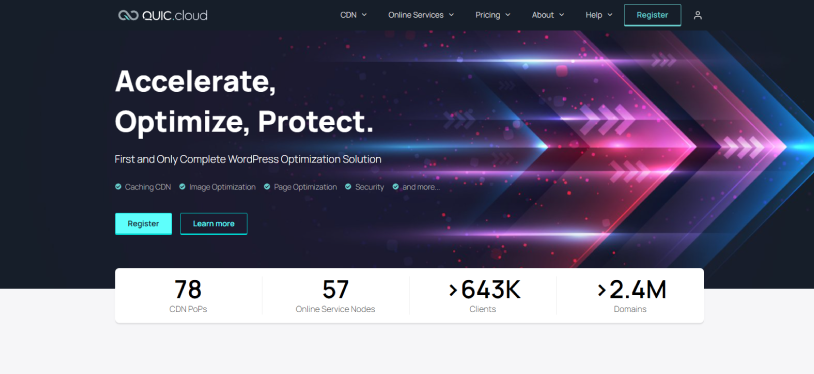
Best For: WordPress websites using LiteSpeed Cache for caching, optimization and CDN delivery
Last but not the least on this list, QUIC.cloud is one of the most WordPress focused CDN solutions here. It works closely with the LiteSpeed ecosystem and can cache both static and dynamic WordPress content at the CDN level, including support for complex dynamic content through ESI.
What we especially like about QUIC.cloud is that it goes beyond basic CDN delivery by combining CDN caching with image optimization, page optimization and WordPress-specific security features. Its network currently includes 78 PoPs, and the service supports HTTP/3, Smart Purge and CDN-level protection against brute-force attacks, CAPTCHA abuse and Layer-7 DDoS attacks.
Pros & Cons
| Pros | Cons |
| Deep integration with LiteSpeed Cache. | Best suited to the LiteSpeed ecosystem. |
| Can cache static and dynamic WordPress content. | Free plan has limited CDN nodes. |
| WordPress specific caching features. | Some advanced features needs the Standard plan. |
| Built-in image and page optimization services. | |
| HTTP/3 support. | |
| WordPress focused security features. |
Pricing: QUIC.cloud offers a Free CDN plan with unlimited bandwidth across selected PoPs. The Standard plan gives access to the wider global network with 20 GB of free bandwidth per domain each month starting at $0.02/GB in North America and Europe and $0.08/GB in several other regions.
Our Verdict: QUIC.cloud is a good-to-go CDN for WordPress people who already rely on LiteSpeed Cache and want CDN delivery, caching and optimization within the same ecosystem.
Final Verdict
All the CDNs on this list will skyrocket WordPress website speed, but the right one is the one that fits your business needs.
Out of every CDN provider we explored till now, here are the top 5 by usecase:
- Cloudflare – Best for free CDN and great security features
- Bunny.net – Best for affordable performance and flexible pricing
- Amazon CloudFront – Best for websites already using AWS
- Fastly – Best for developers who need advanced control
- KeyCDN – Best for simple and transparent CDN pricing
Still deciding? Pick the WordPress CDN provider that fits your site and put it to work.
Related articles:

Share this post


