
Easy Pay Per Post Setup
Let users purchase single posts or pages with flexible pricing and secure access through Pay Per Post.
Turn your best content into an exclusive experience your audience can’t resist.
With ARMember’s Pay Per Post, you have the freedom to sell access to premium posts, pages, or any custom content with no membership required.
Now give your audience that “VIP-only” feeling and get paid every time they click.
What is Pay Per Post?
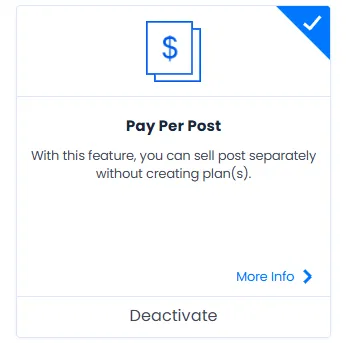
Pay Per Post lets you turn any page, post, or custom content into premium, pay-to-view material. Just set the price, lock the content, and let users pay to unlock access. The best part? No full membership needed for users to get that “Premium” Feeling.
Perfect for:
Once a user makes the payment, they instantly gain access, making it more seamless, secure than ever.
Pay Per Post Setup Wizard (Easy Configuration)
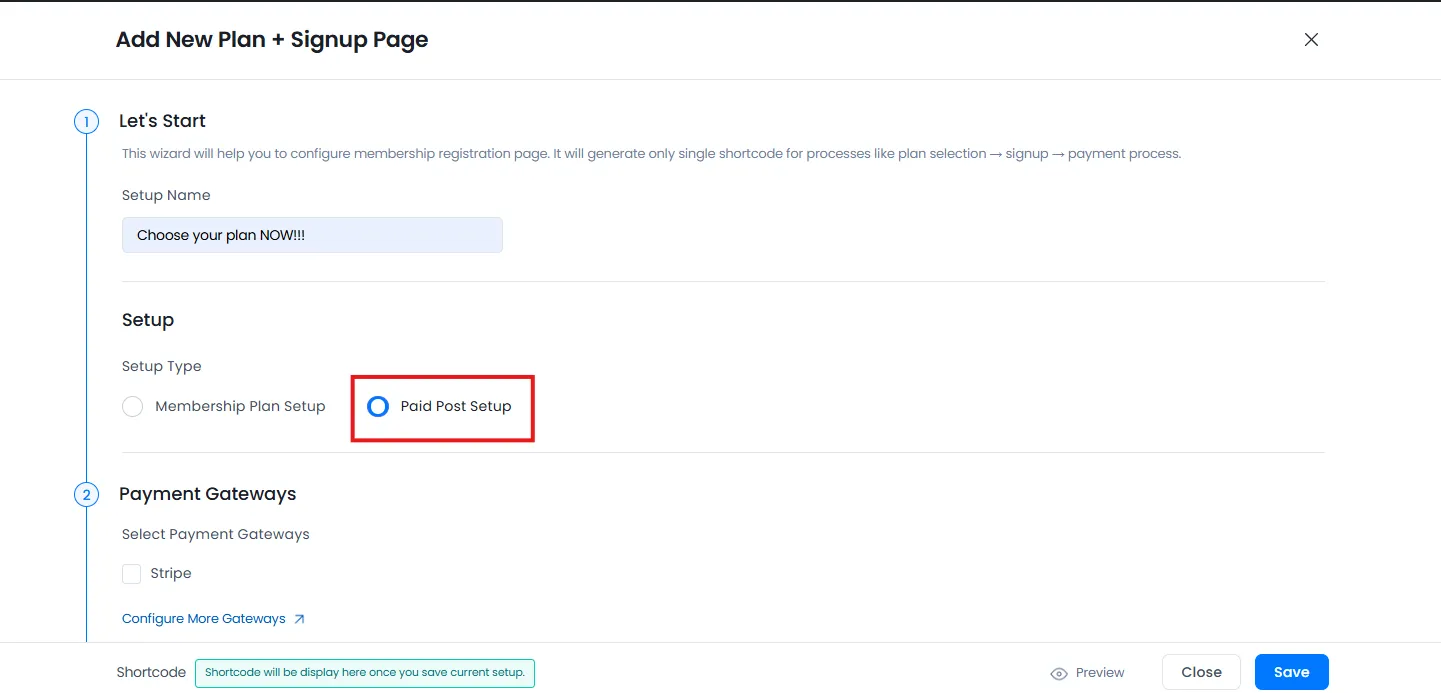
Build and launch your paid content flow in minutes. With ARMember’s Pay Per Post Setup Wizard, you can bundle everything needed to sell premium content into one smart, ready to use page, all powered by a single shortcode.
No manual setup! No page builder needed!
Just choose → configure → publish → start earning.
How to Create Your Pay Per Post Flow (Step-by-Step)
Step 1: Name Your Setup
Personalize your setup so it’s easy to manage multiple paid content flows
Step 2: Select Setup Type
Select “Paid Post Setup” to start building a single pay content page
Step 3: Choose Registration Form & Redirection
Pick a registration form and decide where users go after purchase like a Thank You or content welcome page
Step 4: Select Payment Gateway
Choose your preferred payment method(s) and define how the options appears:
Step 5: Add Summary Text
Now show a payment or content summary right on checkout for clear expectations.
Step 6: Customize the Design
At last, you gotta match your brand with:
Now your checkout page is ready to look stunning ! Best of all, no designer is required. You did it all by yourself.
Display Paid Post Anywhere with a Shortcode
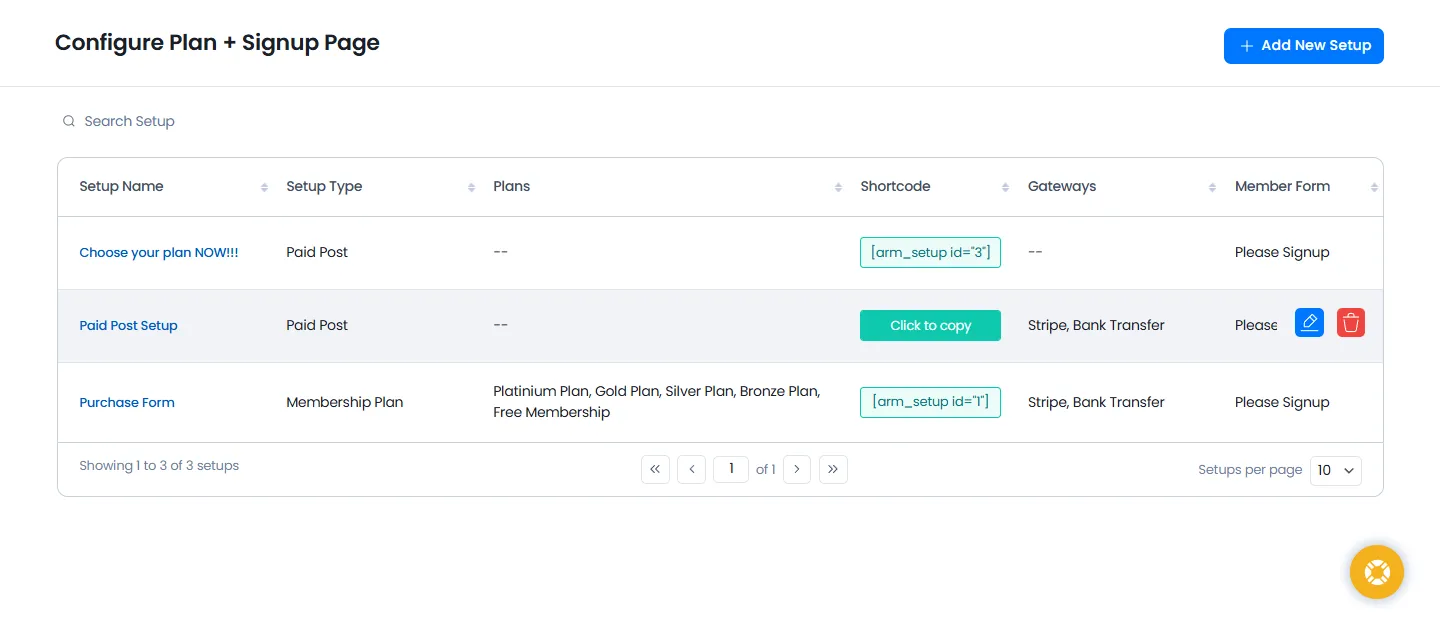
Once your Pay Per Post setup is ready, ARMember makes it effortless to publish:
One setup. Limitless placement. Full flexibility!
Sell Paid Posts via WooCommerce (Optional)
Want to use WooCommerce checkout for Pay Per Post?
ARMember makes that happen as well!
It lets you sell any paid post using WooCommerce for a seamless payment experience
Just go to ARMember → Addons → WooCommerce Integration
Then users can purchase the post using WooCommerce payment gateways.
Paid Post Reports : Track What Sells
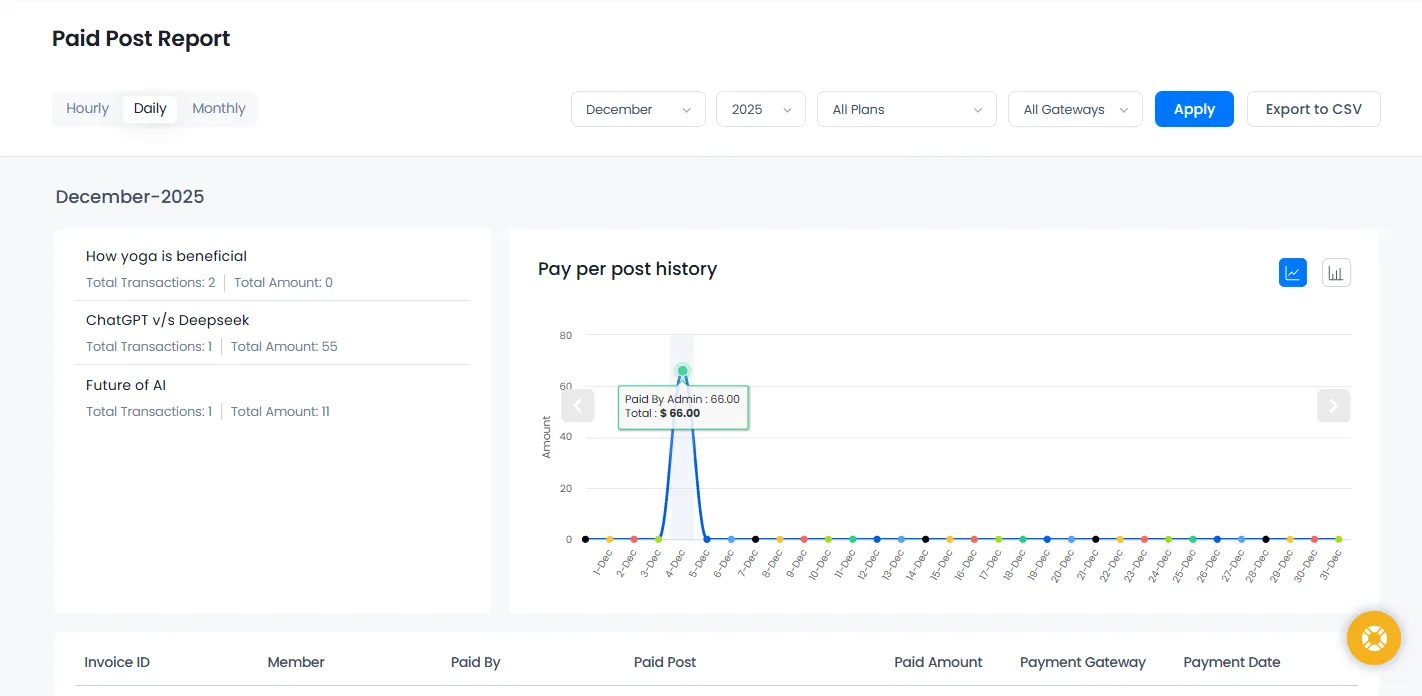
Track, analyse and stay on top with ARMember’s detailed analytics.
Simply head over to:
ARMember → Reports → Paid Post Reports
Here you’ll see:
Know exactly which content your audience loves and make your strategy smarter for even more sales.
Endless Ways to Monetize Your Content with Pay Per Post
Why give everything away when you can turn each piece of content into a premium experience? With ARMember Pay Per Post, you can sell access to posts, pages, or custom content individually with ease.
FAQs
1. What are paid posts?
The premium and exclusive content which users can only access by paying a one time payment are called paid posts.
The paid posts can be articles, videos, downloadable files or tutorials. Thus, instead of buying a full membership, users simply pay for the exact post they want.
2. How does a Paid Post work?
A Paid Post works by locking your content behind a paywall. In this pay per post model, you set the price then users pay to get instant access. Best of all, ARMember automates everything, including registration, payment processing, and post purchase redirection too.
3. Do users need a membership to buy a paid post?
Nope! Users don’t need any membership to buy a paid post. In this pay per post, they only pay for what they want, perfect for one time buyers.
4. Can I customize the Pay Per Post checkout page?
Yes, Of Course! ARMember’s Pay Per Post Setup Wizard lets you fully customize the checkout flow with ease. You can easily customize your pay per post checkout page’s:
5. Can I use WooCommerce for paid posts?
Yes, you can! ARMember smoothly integrates with WooCommerce so you can sell paid posts using WooCommerce products and its payment gateways. Just activate the WooCommerce Integration Addon and link your paid post to a WooCommerce product. That’s it!
6. What is the difference between subscription and one time payment?
One time payment (also sometimes called pay per post) allows users to pay once to access a specific post or page. On the other hand, In subscription, users pay on a recurring schedule (monthly, yearly, etc.) to access a collection of content or membership features.